Blurry Photo After Upload? Diagnose the Exact Step
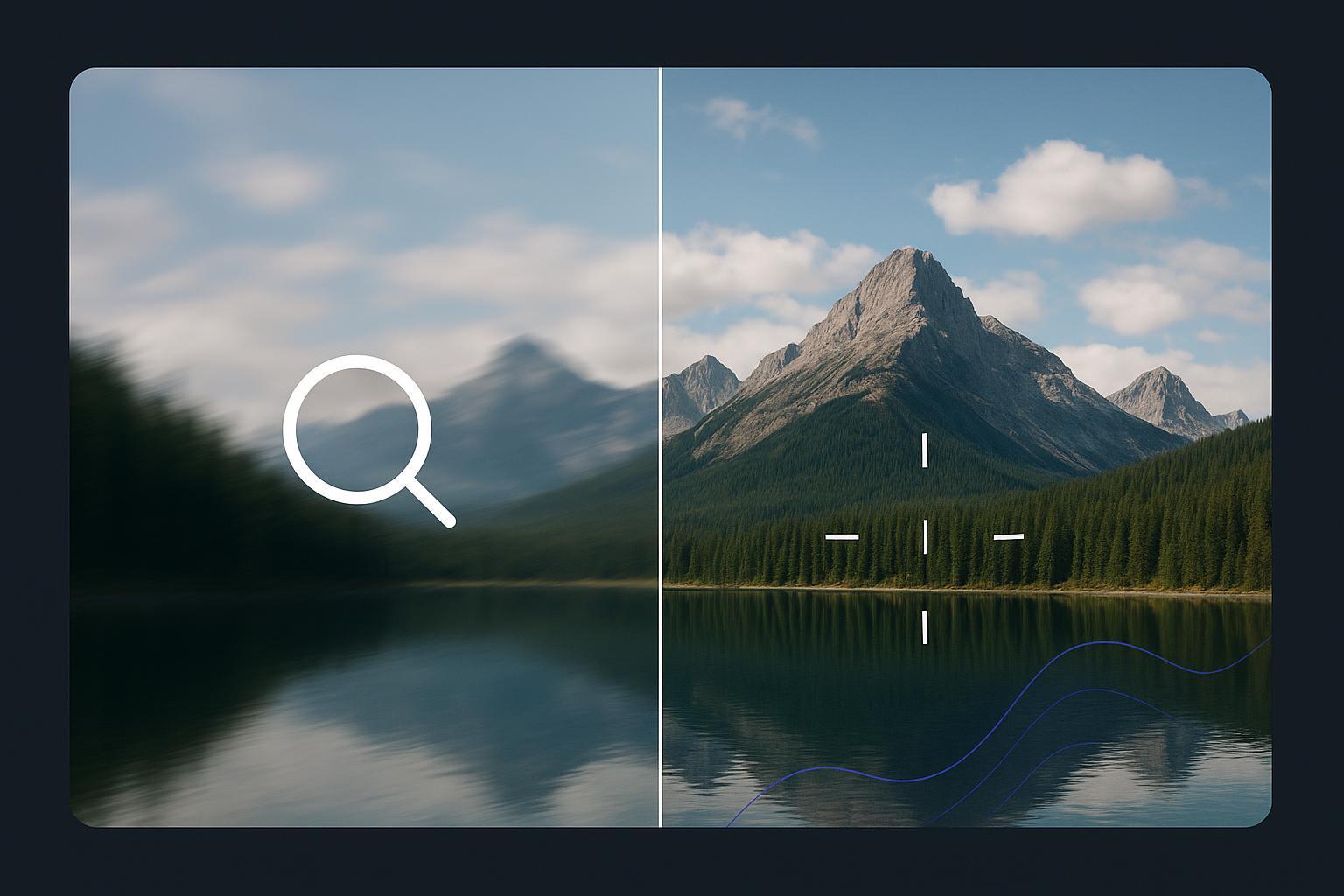
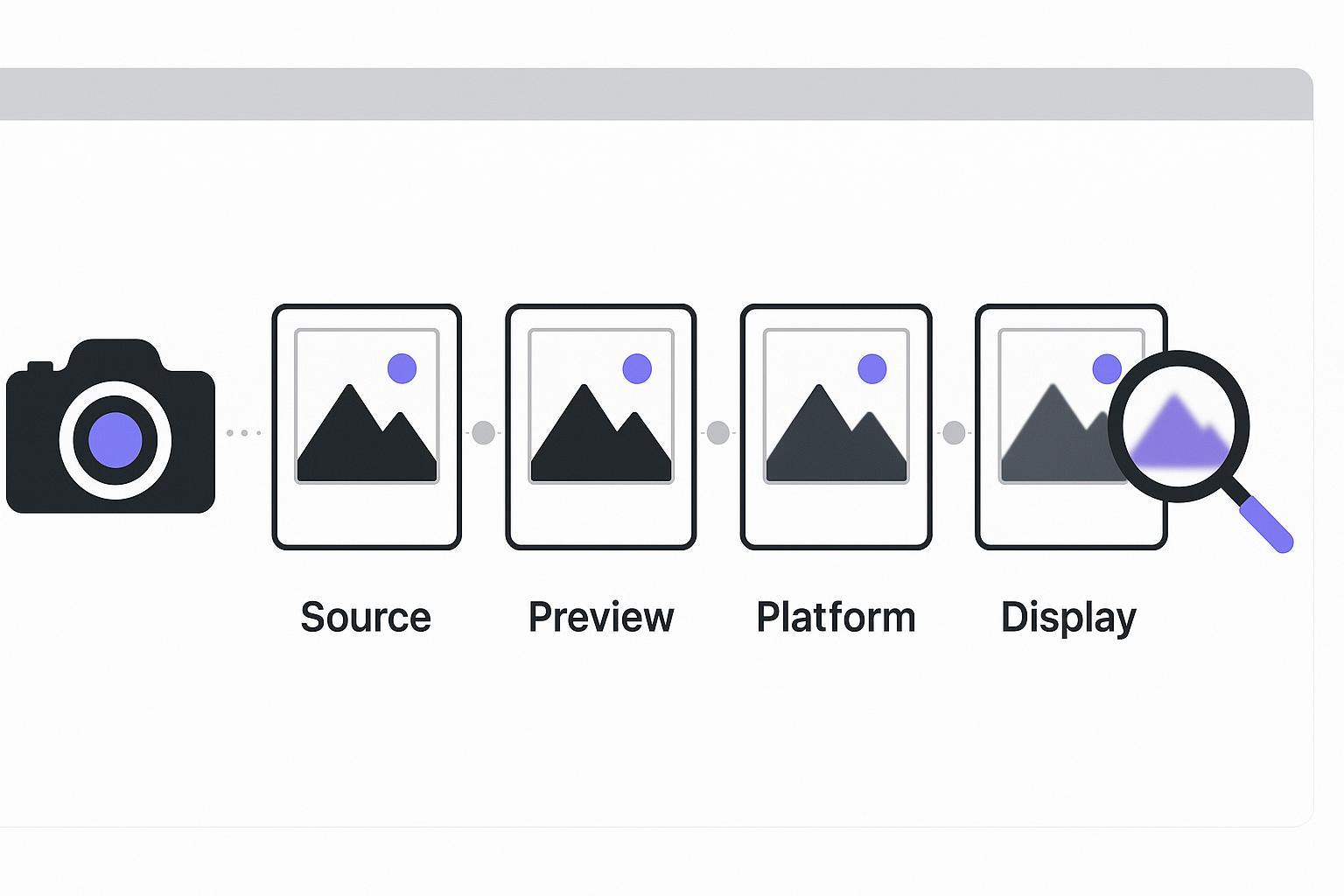
Your photo didn’t “just go blurry.” Diagnose the upload chain—source, export, preview, platform, display—then fix only what’s broken.

·
34 min read min

Your photo didn’t “just go blurry.” Diagnose the upload chain—source, export, preview, platform, display—then fix only what’s broken.
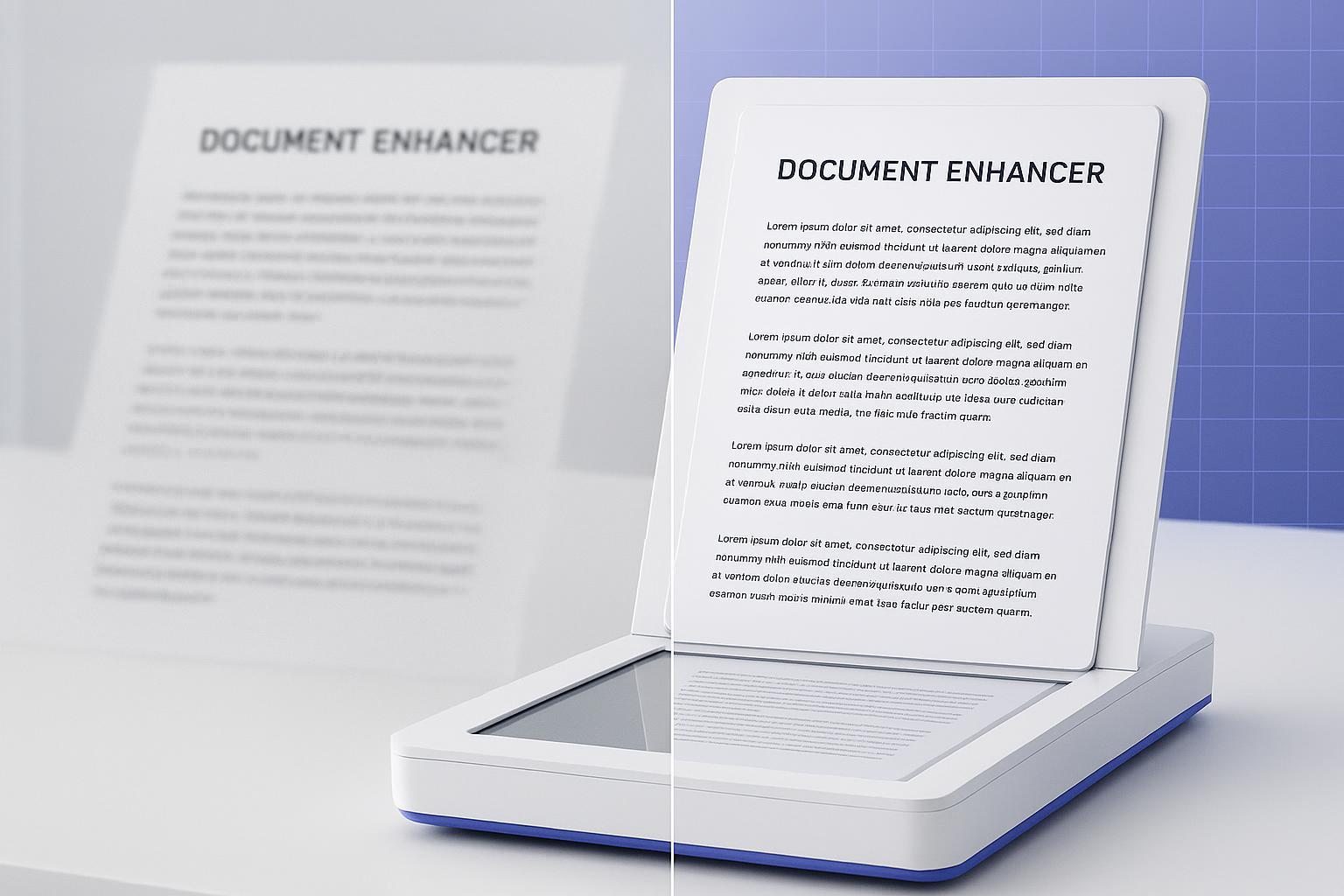
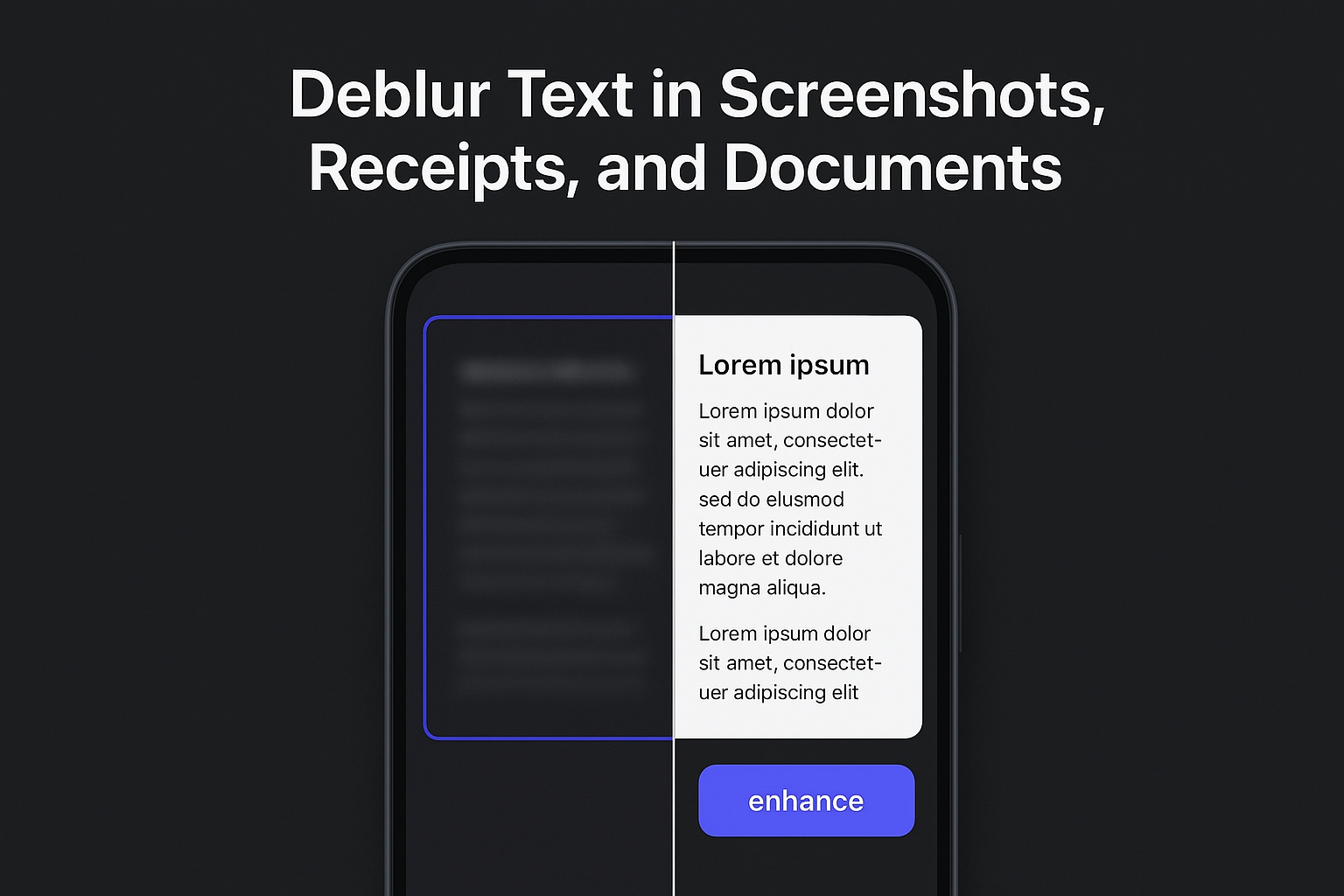
Improve scan readability without overprocessing. Deblur, denoise, and upscale while preserving textual integrity. No OCR.
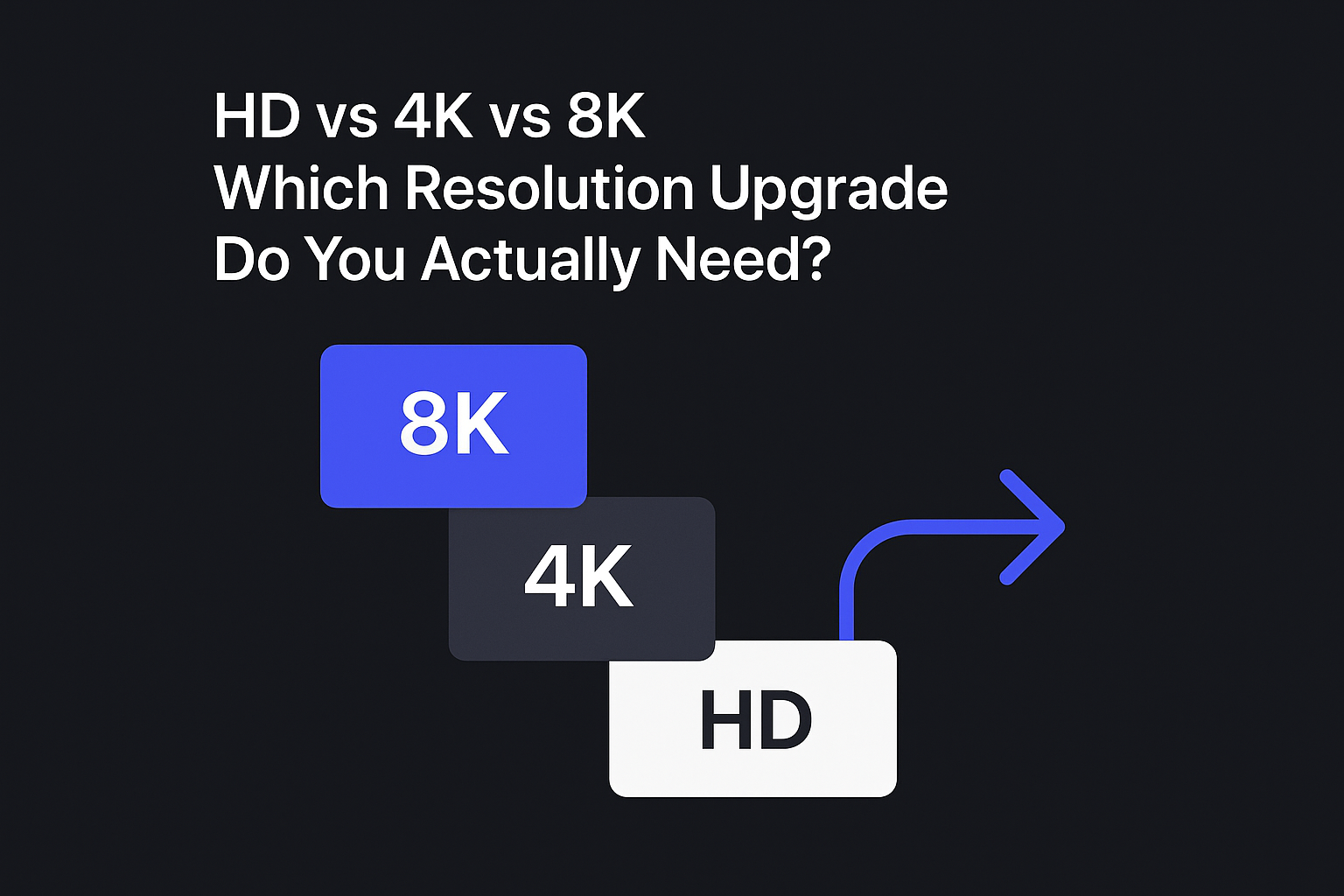
A practical decision guide for creators and e-commerce teams to choose HD, 4K, or 8K—based on where your image will be used.
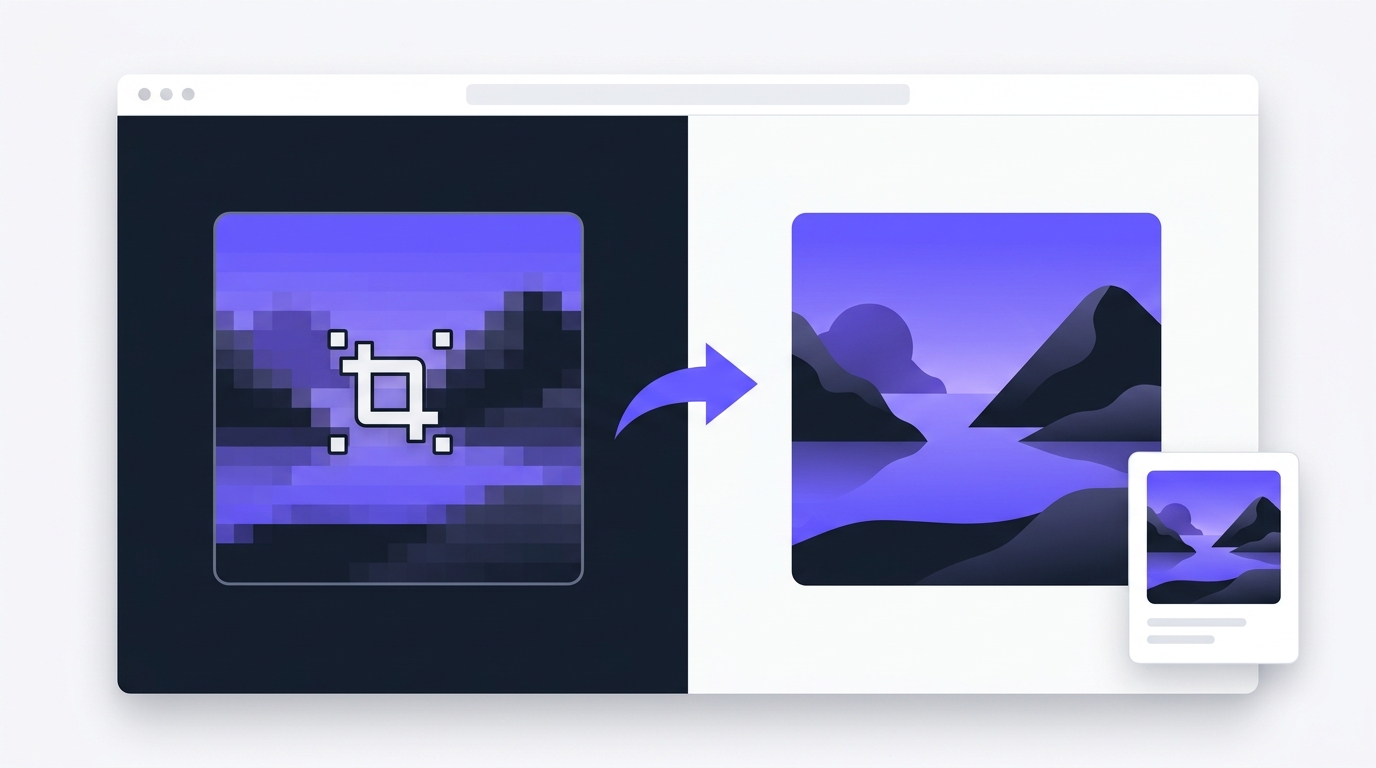
Learn how to unpixelate image files, diagnose pixelation causes, and fix tiny web images, screenshots, and thumbnails—without overpromising.
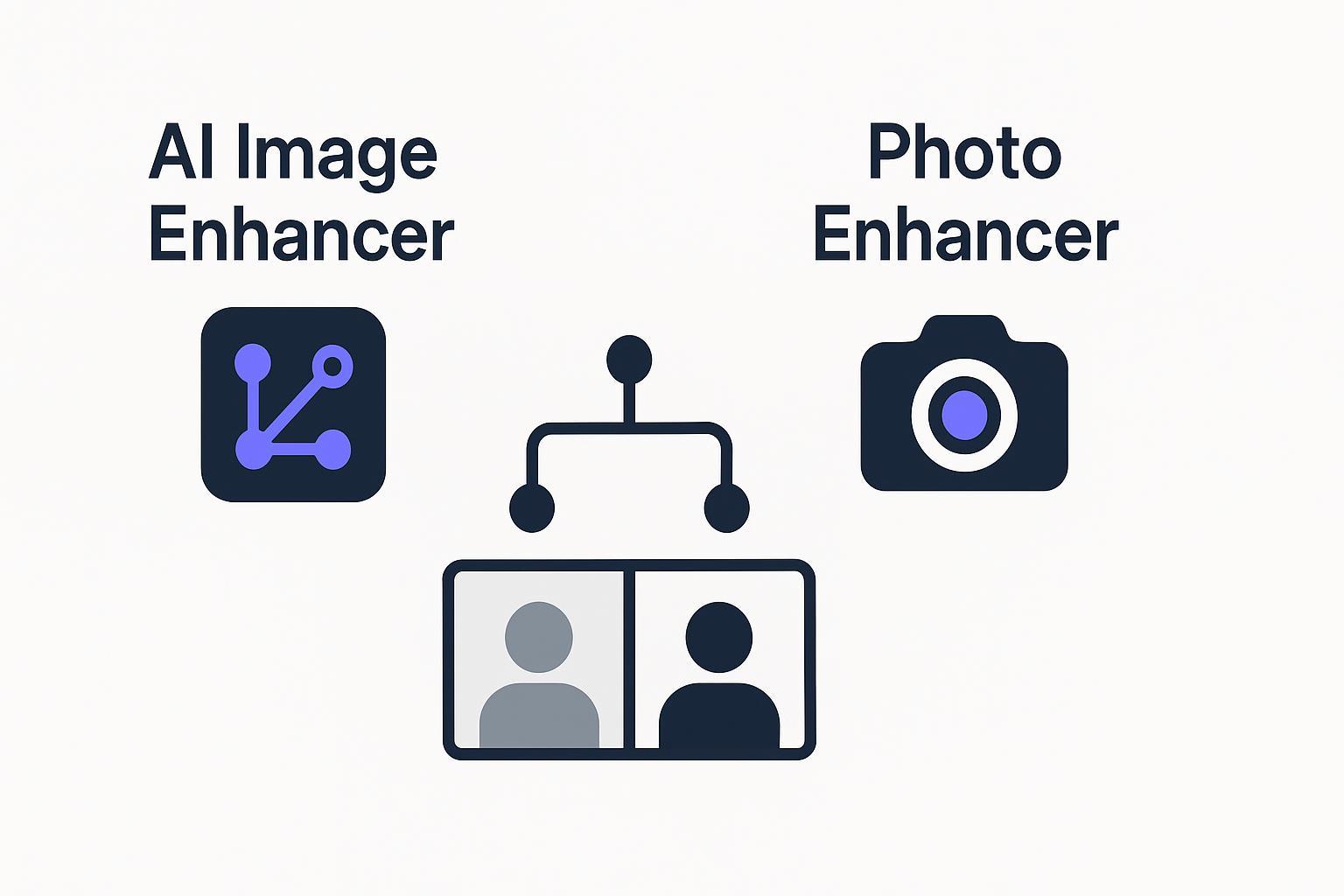
AI image enhancer vs photo enhancer: same idea, different expectations. Use this decision tree to pick the right tool for blur, noise, or low-res.
HD conversion boosts size, not sharpness. Diagnose motion blur, focus blur, compression, and choose the right fix to restore clarity.
HD conversion boosts resolution, not sharpness. Learn why your photo is still blurry and the fastest way to unblur it.
Make a picture HD fast with a simple workflow for ecommerce, social posts, and marketplace listings—plus batch tips and common mistakes.
Make blurry text readable in seconds. Crop, deblur, verify, and download clean results with Artedge AI Text Deblurring.
A practical workflow to batch-convert product images to HD-ready quality with QA checks for natural, consistent catalog results.
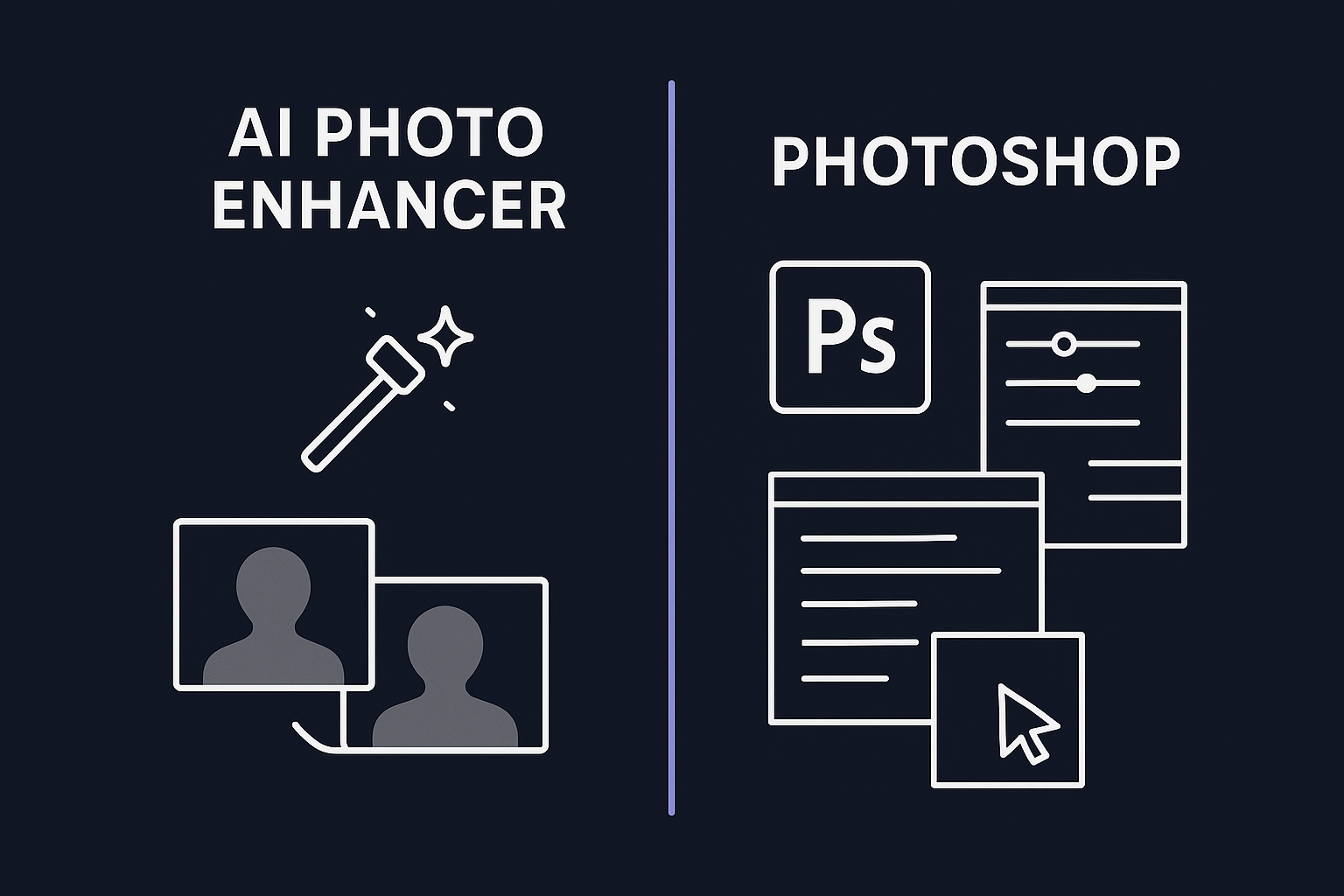
Compare AI photo enhancers vs Photoshop for fast blur/noise/upscale fixes. See who should choose what—and a simple decision framework.
Use a photo quality enhancer online to make apparel product images clearer and more realistic—meet Amazon/Shopify zoom requirements and reduce returns.