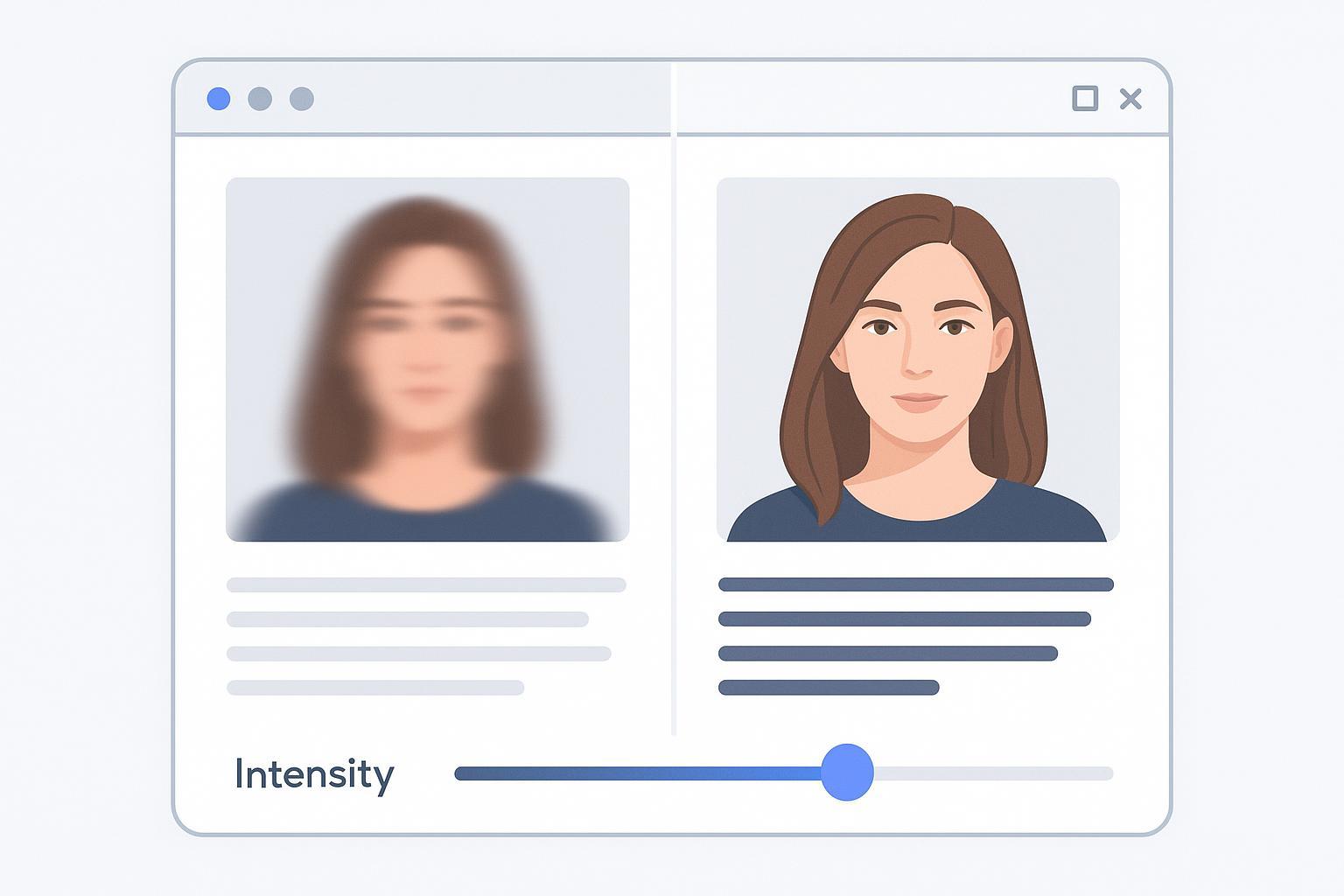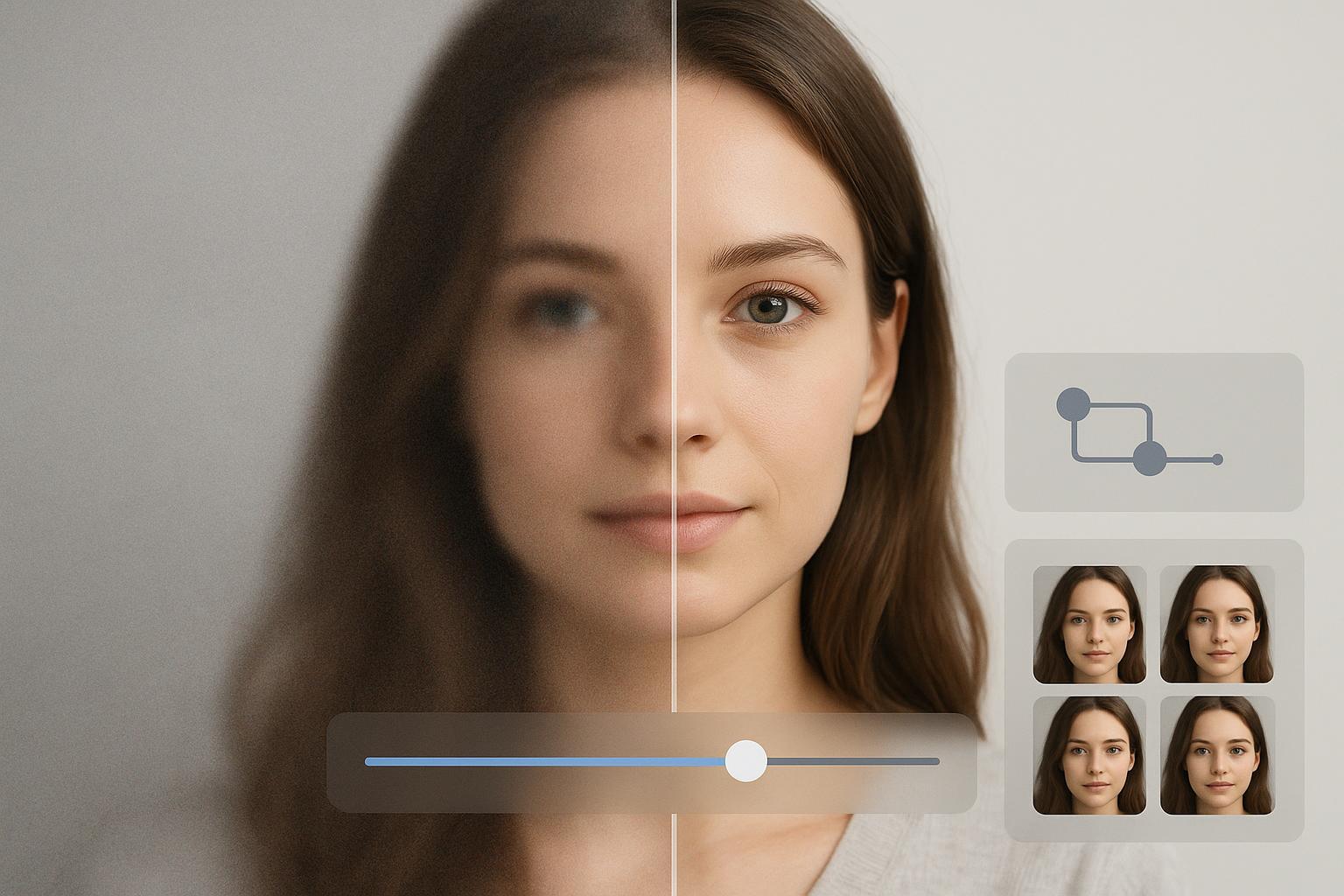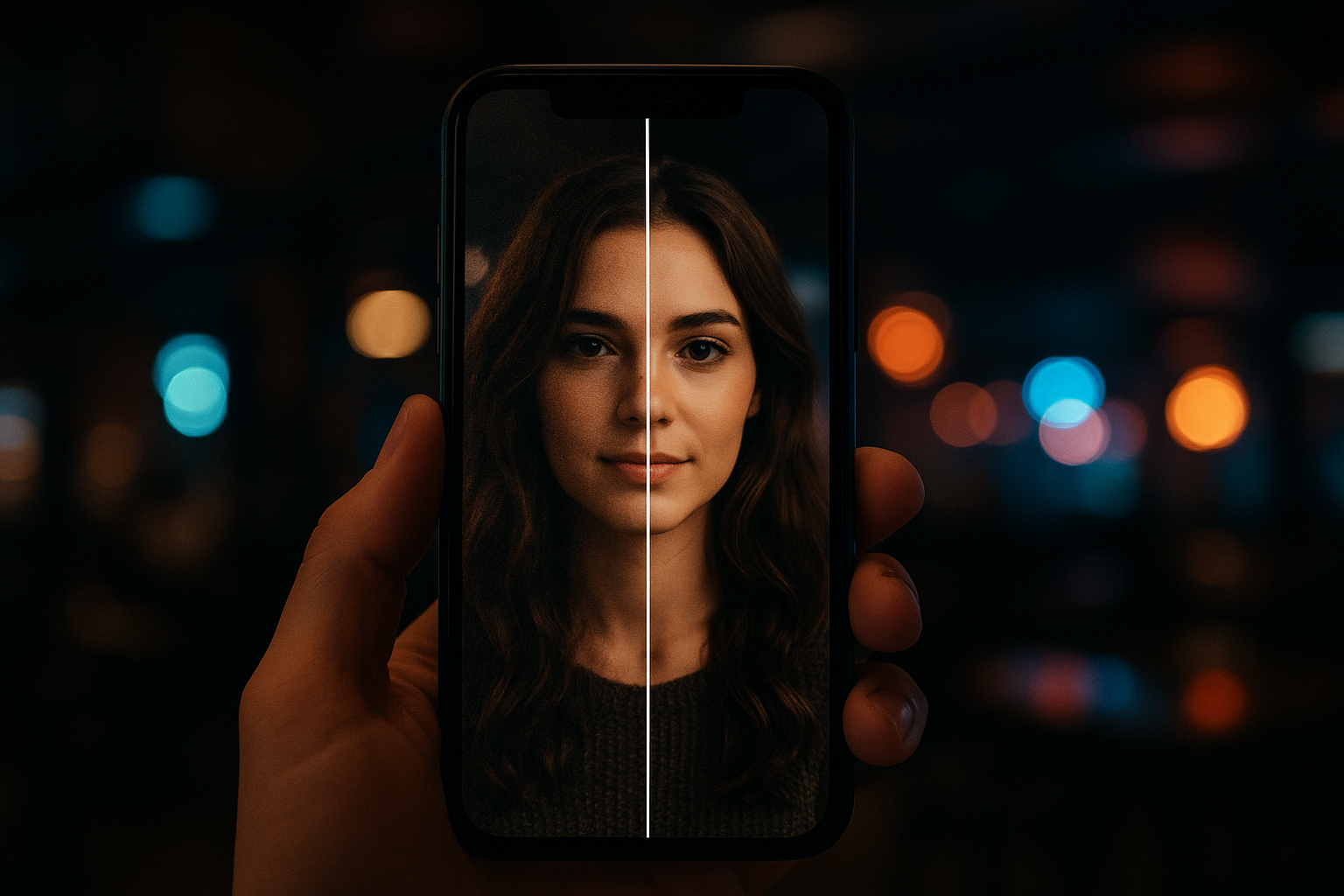
Denoise Image Without Smearing Texture (4-Step Guide)
Learn a 4-step workflow to denoise images without waxy skin or smeared detail—built for low-light mobile photos.

·
32 min read min
Learn a 4-step workflow to denoise images without waxy skin or smeared detail—built for low-light mobile photos.
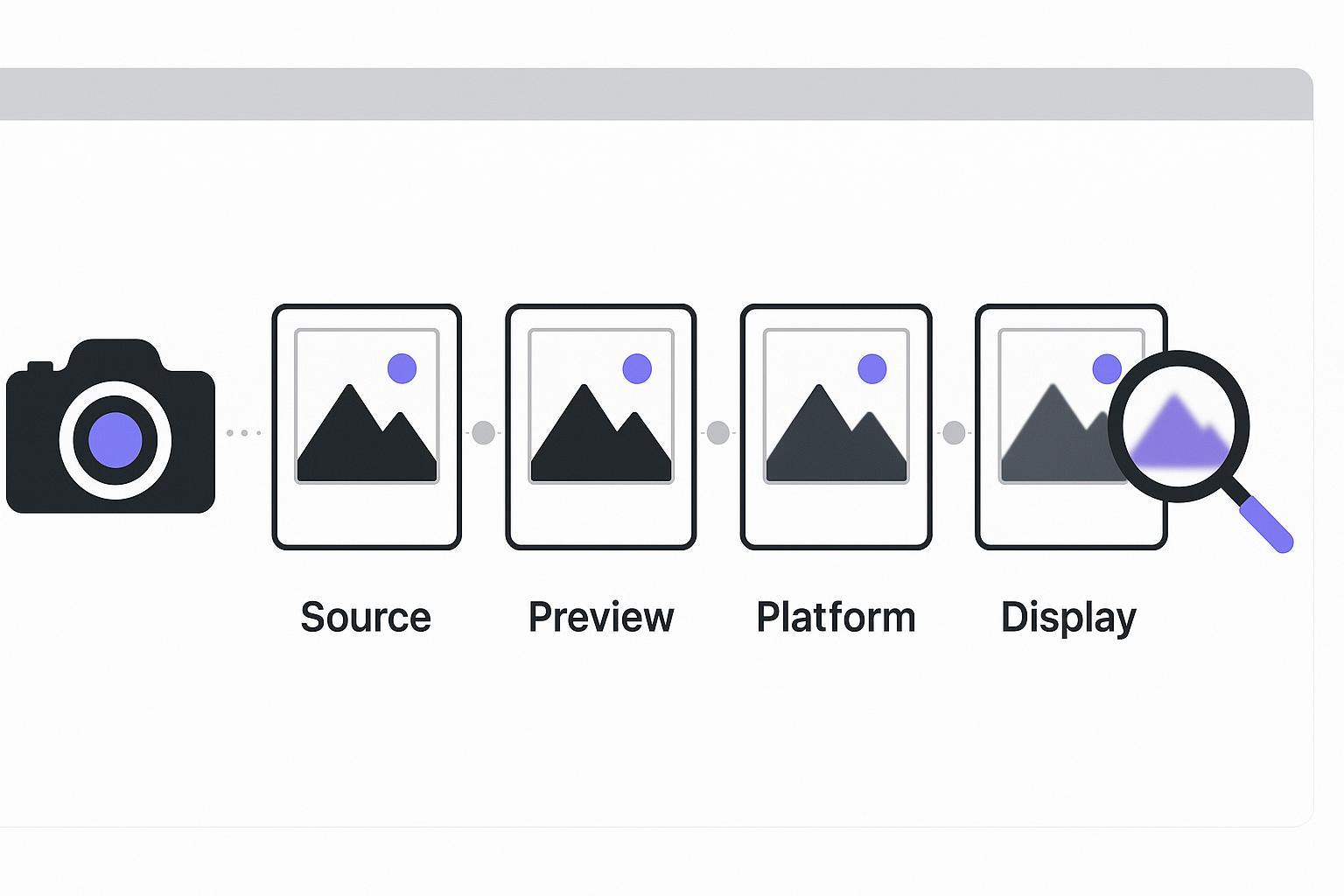
Your photo didn’t “just go blurry.” Diagnose the upload chain—source, export, preview, platform, display—then fix only what’s broken.
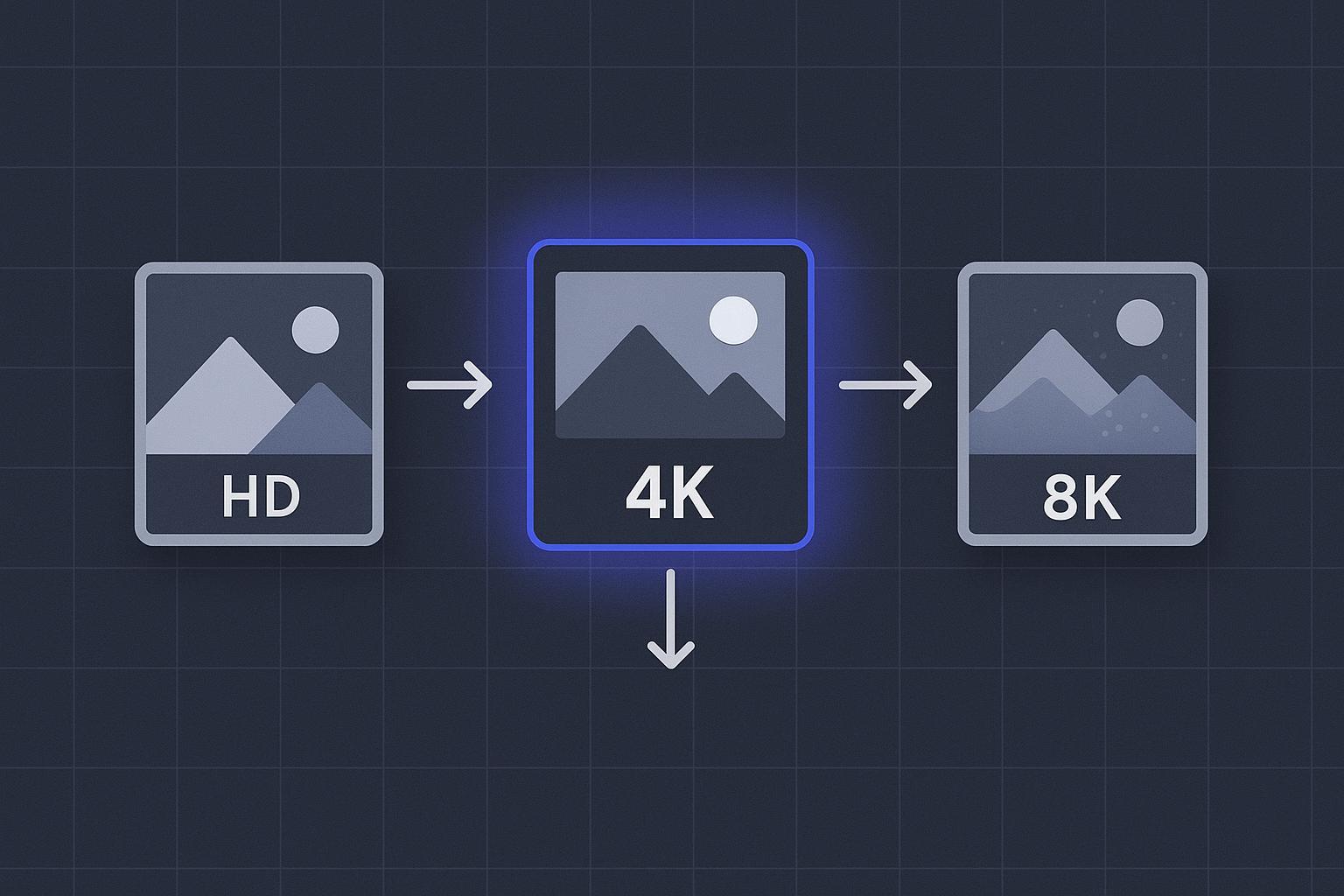
A practical decision guide for creators and e-commerce teams to choose HD, 4K, or 8K—based on where your image will be used.
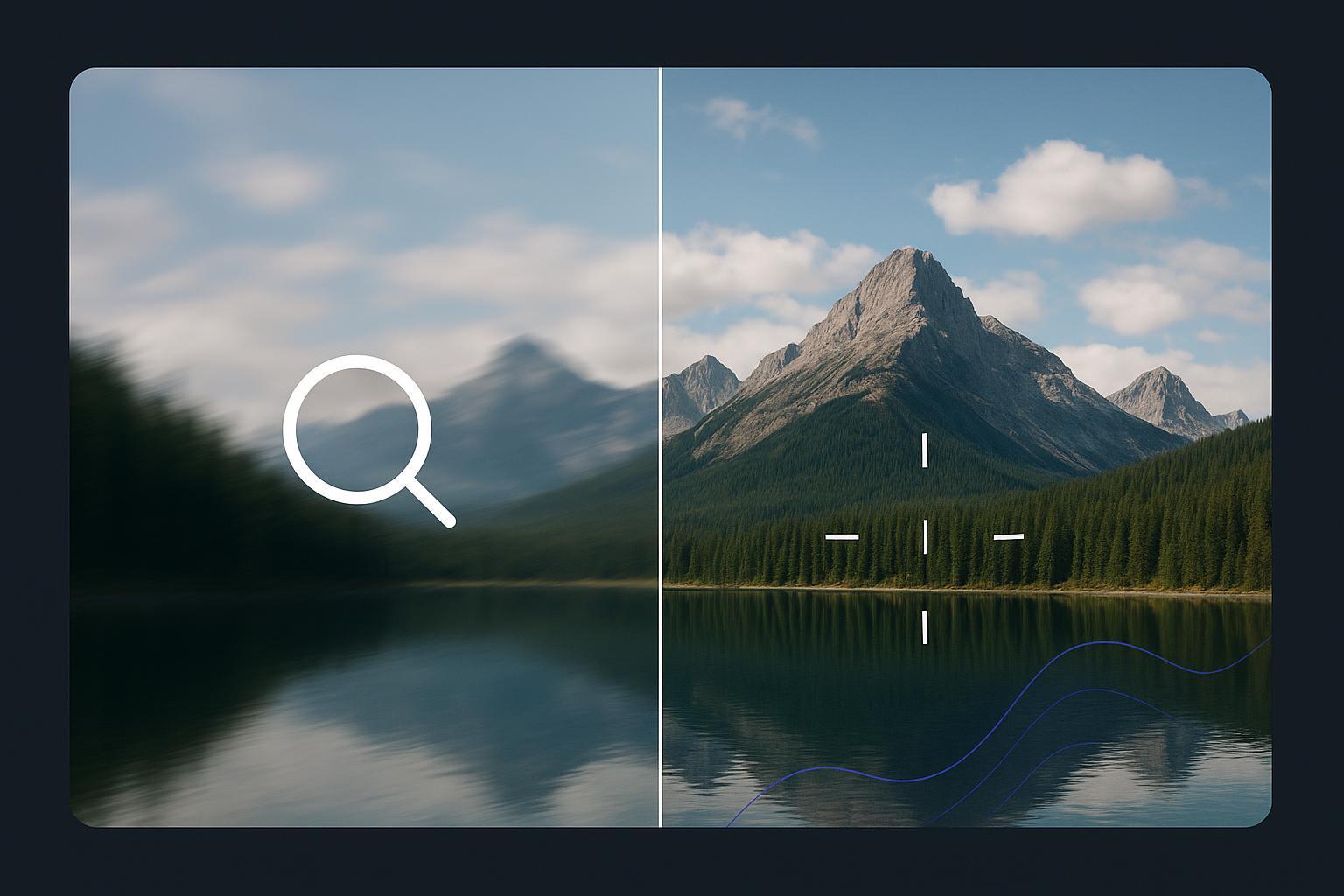
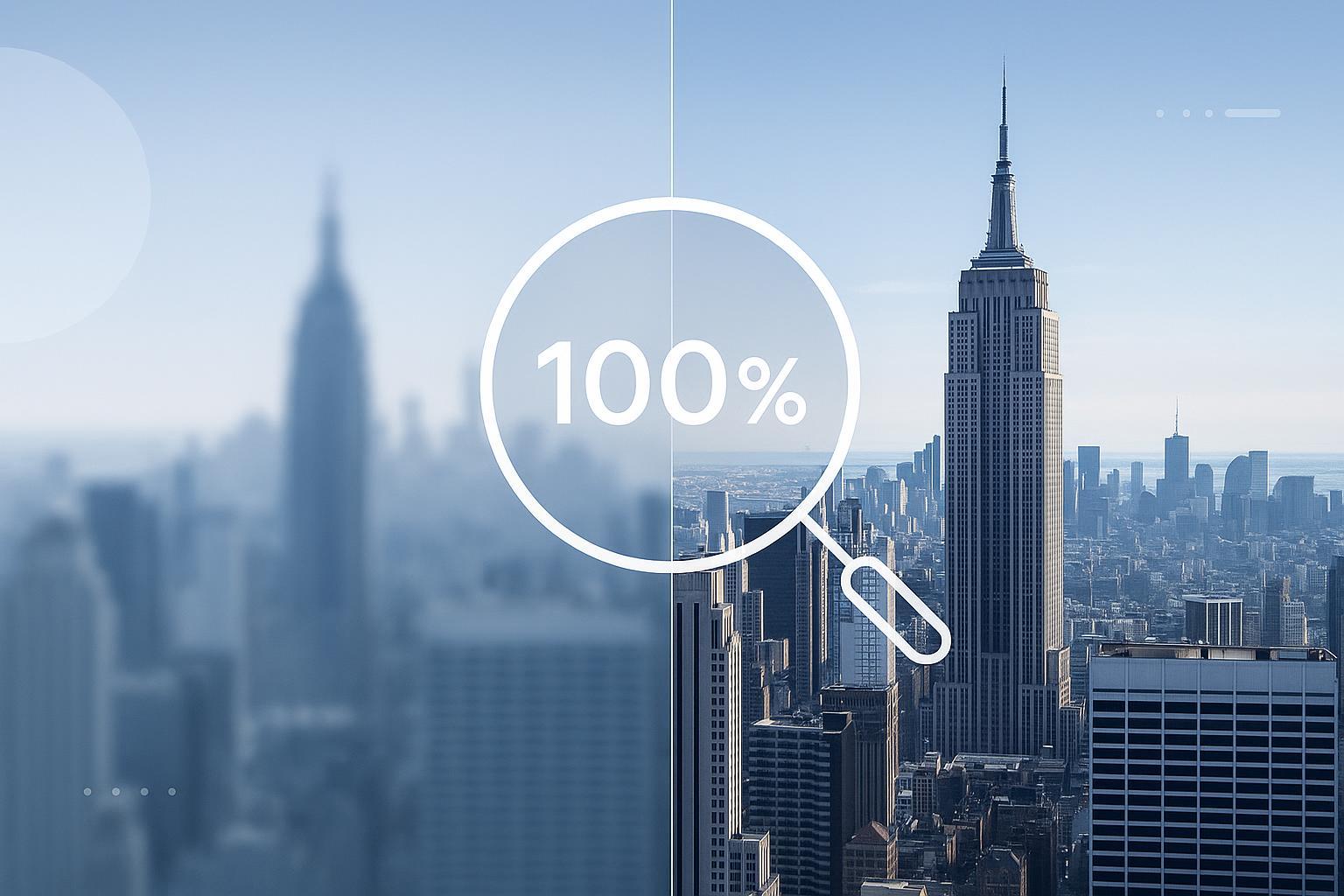
HD conversion boosts size, not sharpness. Diagnose motion blur, focus blur, compression, and choose the right fix to restore clarity.
HD conversion boosts resolution, not sharpness. Learn why your photo is still blurry and the fastest way to unblur it.
Make a picture HD fast with a simple workflow for ecommerce, social posts, and marketplace listings—plus batch tips and common mistakes.
Compare AI photo enhancers vs Photoshop for fast blur/noise/upscale fixes. See who should choose what—and a simple decision framework.
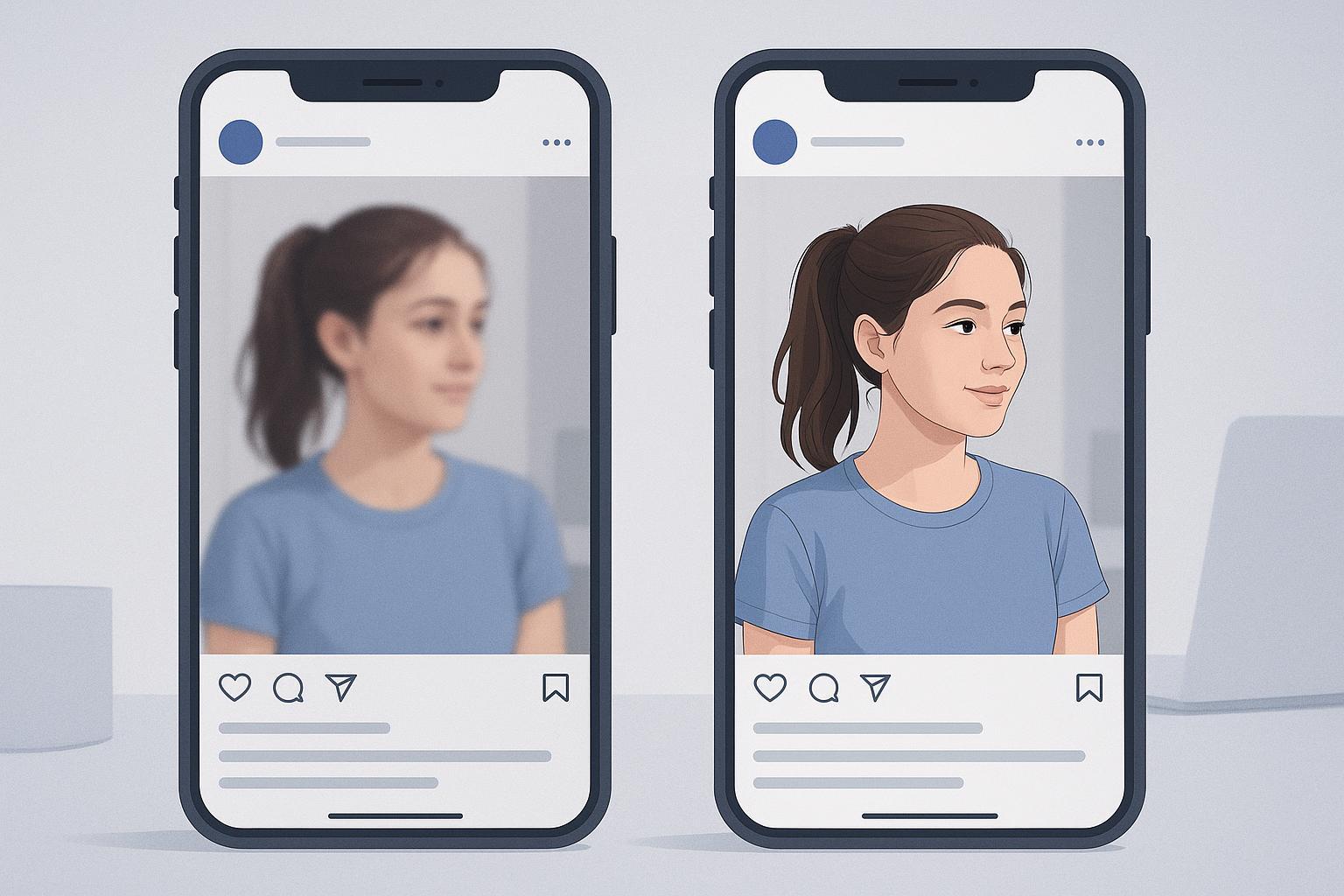
Pre-upload tips and a step-by-step post-upload repair workflow to restore clarity after compression on Instagram, Threads, and TikTok.
A practical, decision-first ultimate guide to choosing 2x, 4x, or 8x upscaling for web and print—pixel math, viewing-distance rules, restoration workflows, and examples. Read now.
Step-by-step beginner guide to increase image resolution without blur—when to resize, use AI upscalers, denoise/deblur first, and export for web or print.
Complete guide to unblur image online—quick, free no‑signup fixes and artifact‑safe workflows to restore photos without halos or fake faces. Learn step‑by‑step tips and tools.
For creators: clear answers on what AI photo enhancers can fix, their limits, quick triage steps, and thumbnail export tips to avoid artifacts.