Unpixelate Image Online - Restore Pixelated Photos Instantly
Easily unpixelate images with our powerful AI technology. Turn grainy, low-res photos into clear, high-quality HD images.
Upload Your Pixelated Image
Drag and drop or click to unpixelate
Supports JPG, PNG, WebP up to 50MB
How to Unpixelate Image Professionally
Our AI-driven unpixelator uses advanced neural networks to reconstruct missing details, giving you a smooth and sharp final result.
Fix Pixelation
Automatically detect and remove blocky artifacts from low-resolution images for a clean look.
Detail Reconstruction
Recover lost textures and edges that were destroyed by heavy compression or small file sizes.
AI Smoothing
Smooth out jagged lines and pixels while maintaining the overall clarity of the image subject.
Resolution Boost
Increase the pixel count of your photo up to 4x, making it suitable for large screens and printing.
Clearer Portraits
Specifically optimized to unpixelate faces and skin textures for high-quality profile pictures.
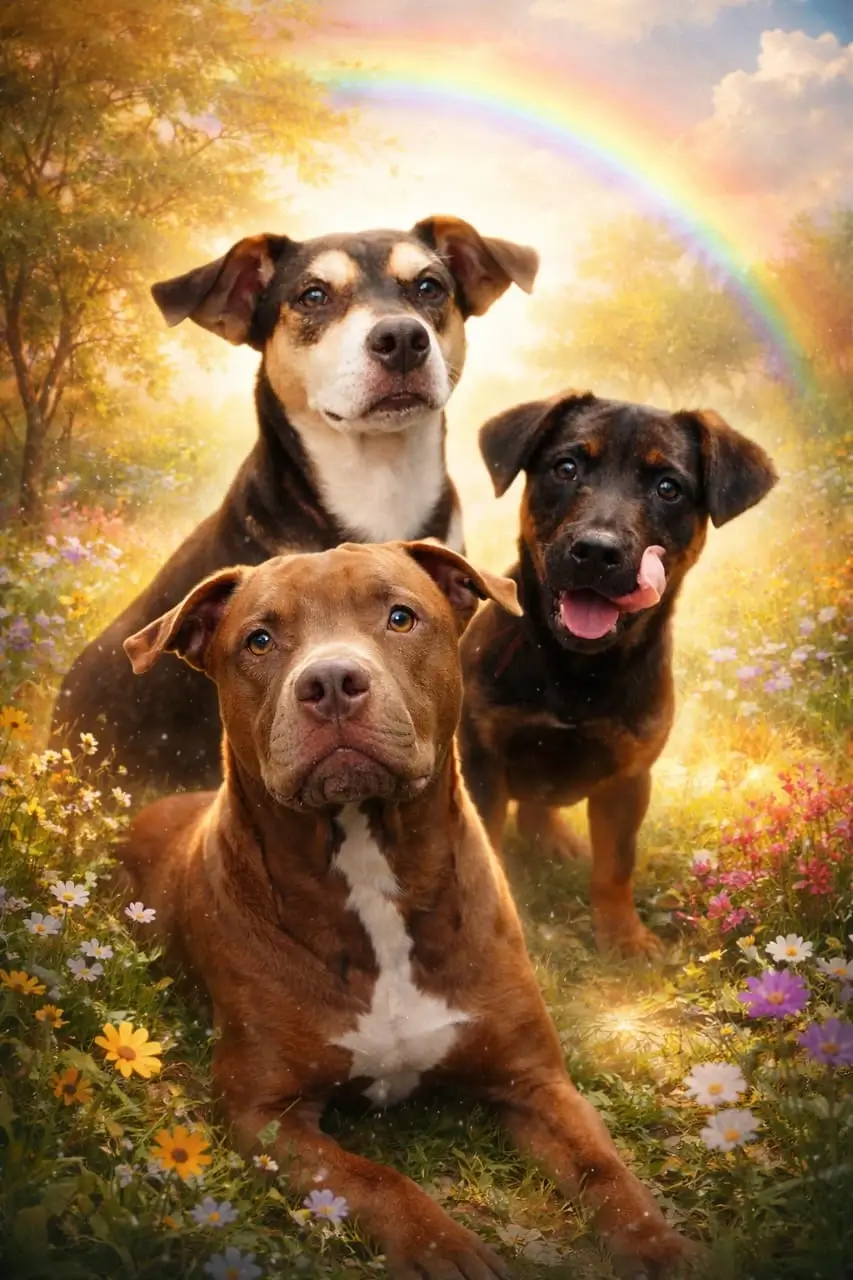
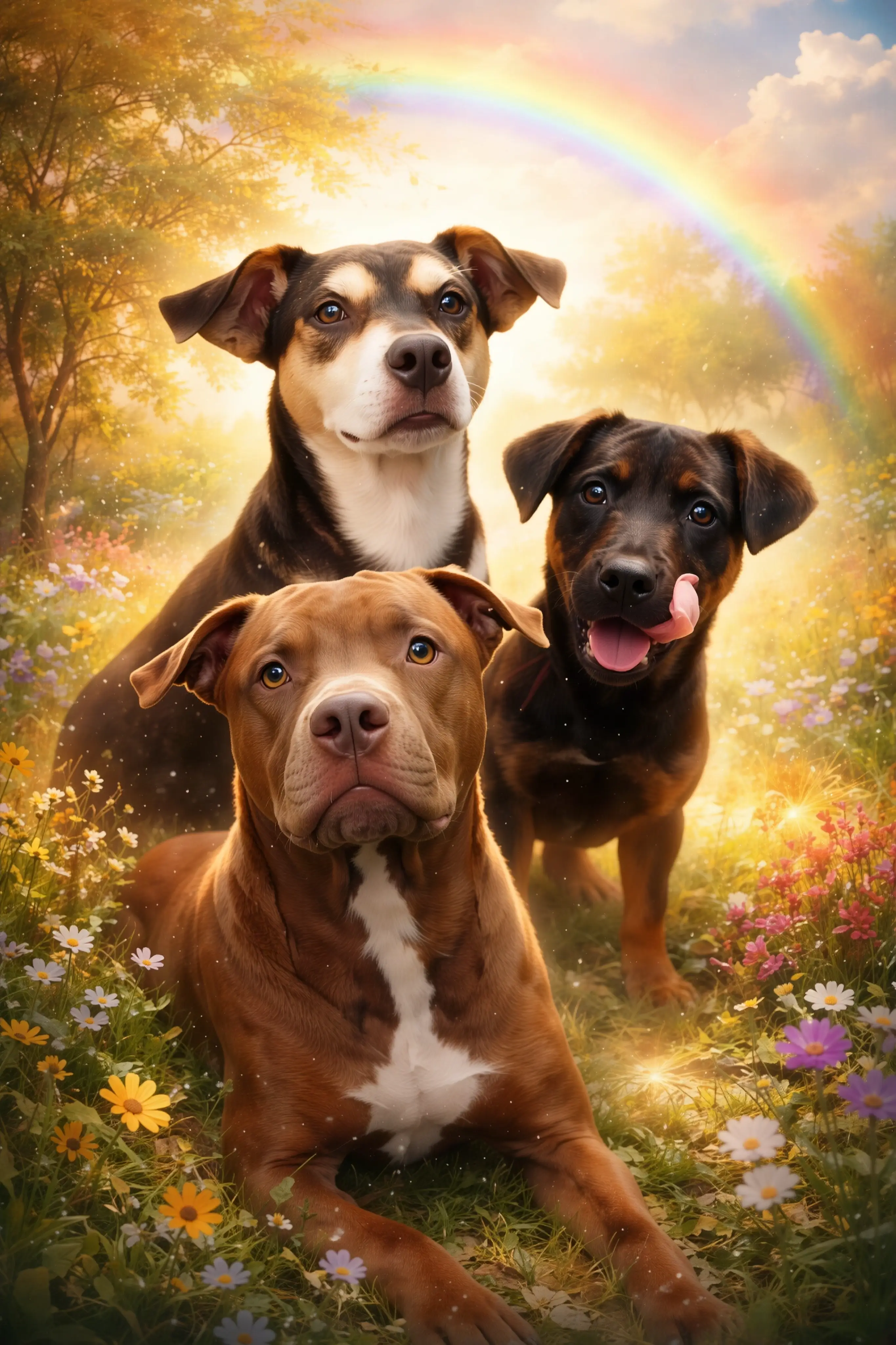
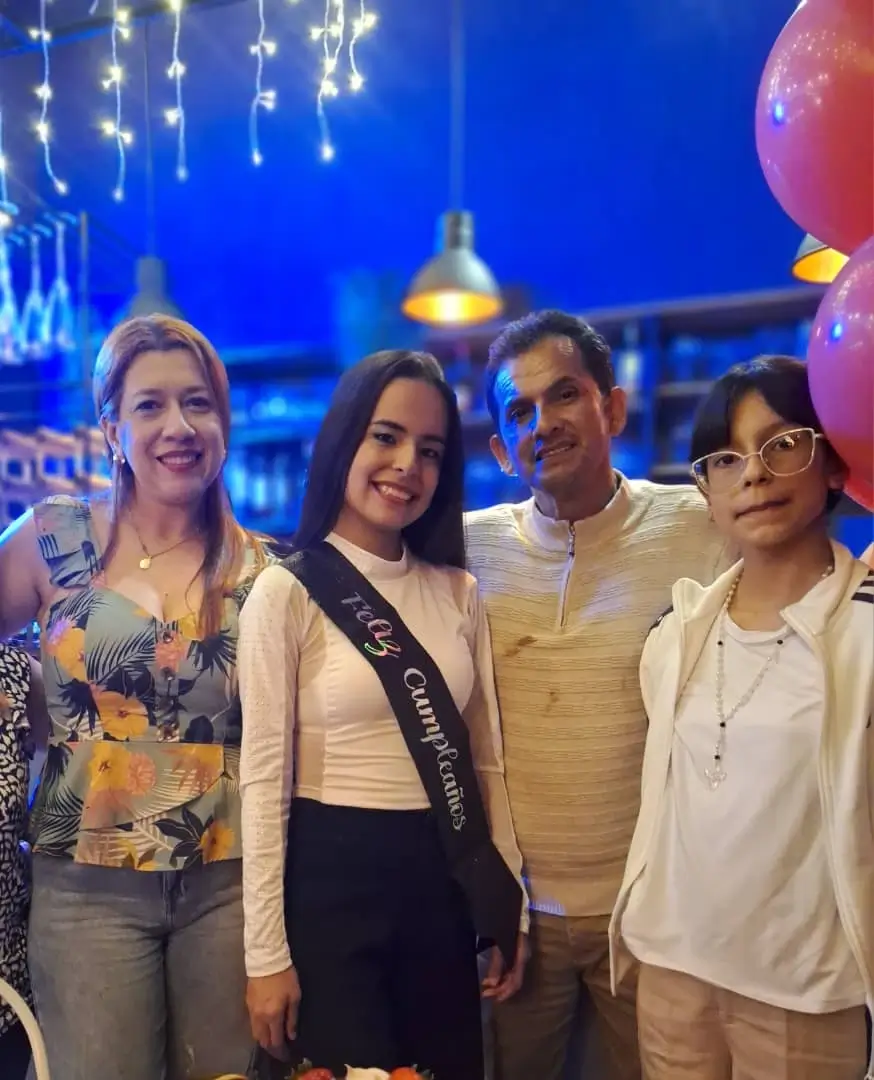
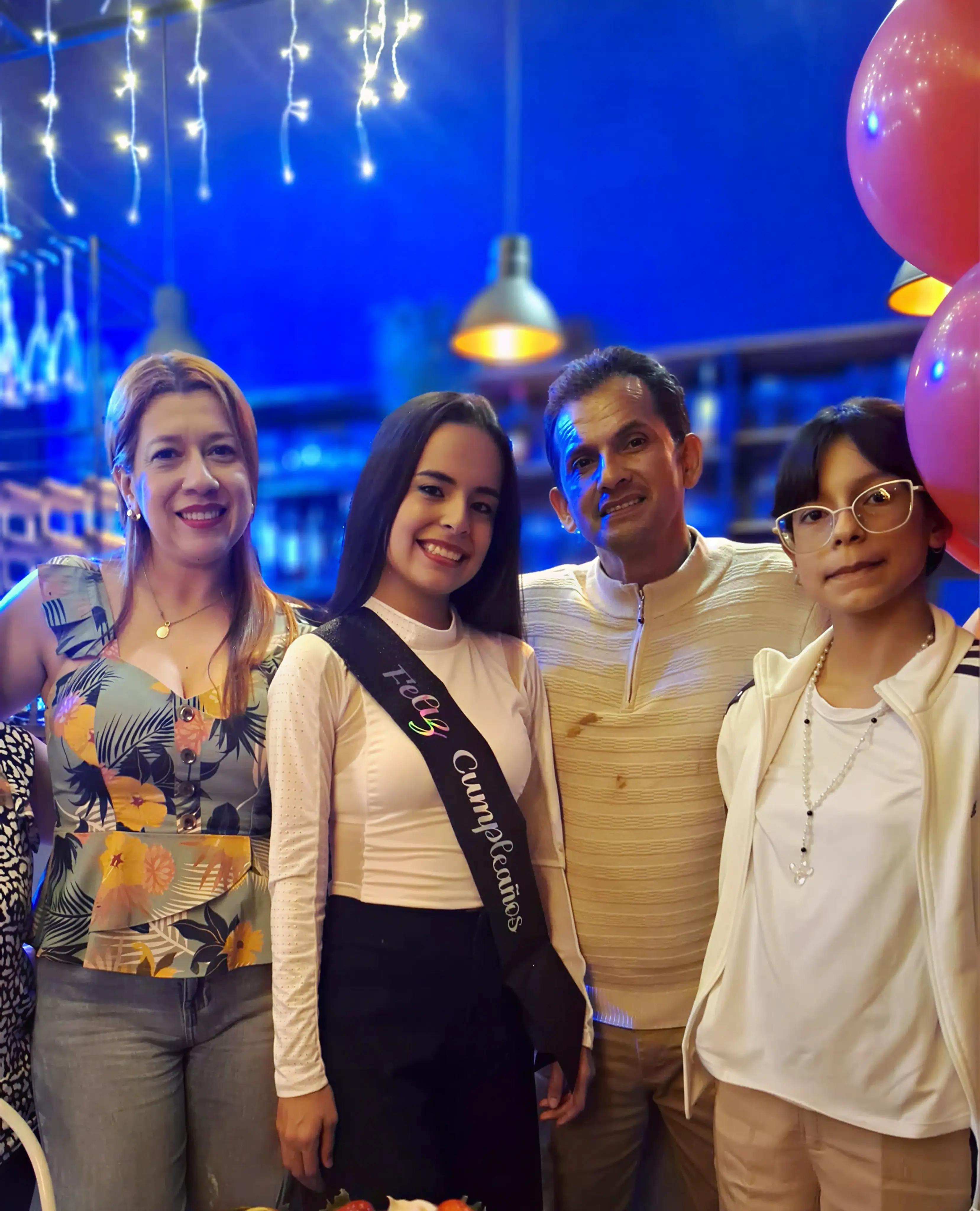
Why Unpixelate Images?
From old memory restoration to professional design work, unpixelating images is essential for quality visuals.
Photo Restoration
Unpixelate old scanned photos and digital memories that were saved in low quality years ago.
Product Listings
Clear up pixelated product images to provide a professional look for your online store.
Real Estate Ads
Improve the quality of property photos by removing pixelation caused by lighting or resizing.
Social Media Posts
Make your Instagram and Twitter photos stand out by unpixelating your best shots before posting.
Digital Creation
Unpixelate small assets or logos to use them in high-resolution design projects.
Marketing Materials
Prepare sharp visuals for brochures, ads, and presentations by unpixelating source images.
Images Unpixelated
Satisfied Users
User Rating
Avg. Unpixelate Time
How to Unpixelate Image in 3 Easy Steps
Upload Pixelated File
Select your pixelated JPG, PNG, or WebP file. Our system handles files up to 50MB.
AI Processing
Wait a few seconds while our AI unpixelates and sharpens your image automatically.
Download Clear Result
Preview your sharp, unpixelated photo and download it in high resolution.
Frequently Asked Questions About Unpixelating Images
▼ 1. Can you really unpixelate an image?
Yes, while traditional tools simply blur the pixels, Artedge AI uses generative models to predict and fill in the missing details. This allows it to "unpixelate" an image by reconstructing a high-resolution version from the low-quality original.
▼ 2. 2. What causes images to become pixelated?
Pixelation usually happens when an image is enlarged beyond its original resolution or when it is saved with high compression settings. This results in the individual pixels becoming visible as "blocks". Our tool fixes this by smoothing these blocks and adding detail.
▼ 3. 3. Is it free to unpixelate images on Artedge?
Absolutely. You can unpixelate images for free. We provide high-quality results at no cost, with premium options available for even higher resolution and advanced needs.
▼ 4. 4. Will the unpixelated image look natural?
Our AI is trained on millions of real-world images to ensure the results look as natural as possible. It avoids the "plastic" or overly filtered look common in older sharpening software.
▼ 5. Does this work for blurry images too?
Yes, our unpixelator also doubles as a deblurring tool. It can fix motion blur and lens blur while it unpixelates the image, providing a comprehensive quality boost.
The Science of AI Image Unpixelation
Deep Learning for Pixel Fix
Unpixelating isn't just about smoothing; it's about intelligence. Our models use Deep Convolutional Neural Networks to recognize shapes and patterns. When it sees a pixelated edge, it knows it should be a sharp line and reconstructs it accordingly based on its massive training data.
Sub-pixel Interpolation
Traditional interpolation simply guesses the color between pixels. Our AI unpixelator performs sub-pixel analysis to ensure that every new pixel added during the upscaling process contributes to a sharper, more detailed final image.
Our Core Unpixelate Technologies
- ✓ GAN (Generative Adversarial Networks): For realistic texture generation
- ✓ Artifact Reduction: Specifically removes JPG compression squares
- ✓ Edge Refinement: Sharpens silhouettes without glowing halos
- ✓ Semantic Understanding: Knows the difference between a pixelated eye and a pixelated tree
- ✓ Noise Suppression: Keeps the image clean while adding detail
- ✓ Intelligent Color Mapping: Preserves original color accuracy
Artedge vs. Traditional Unpixelate Methods
| Comparison | Artedge AI | Traditional Tools |
|---|---|---|
| Detail Recovery | ✅ High | ❌ Very Low |
| Result Quality | ✅ Crystal Clear | ⚠️ Blurry/Soft |
| Ease of Use | ✅ One Click | ❌ Manual Work |
| Speed | ✅ Instant | ⚠️ Slow |
Fix Your Pixelated Photos Today
Join thousands who use Artedge to unpixelate images for professional and personal use.
Free online • No credit card • Instant HD results
The Ultimate Guide to Unpixelating Images
What is Image Unpixelation?
Image unpixelation is the process of reversing the visual degradation caused by low resolution or high compression. While you can't technically "restore" data that isn't there, AI unpixelators like Artedge use sophisticated models to intelligently fill in the gaps, creating a high-resolution image that looks authentic.
Common Problems Our Unpixelator Solves
- Blocky Artifacts: Square patterns caused by low-quality JPG saving.
- Jagged Edges: "Staircase" effects on diagonal lines in low-res photos.
- Color Bleeding: Blurry colors around sharp edges in compressed files.
- Low Detail: Lack of texture in hair, skin, or fabric due to small image size.
- Blurred Text: Making small or pixelated text readable again.
- Moiré Patterns: Interference patterns sometimes appearing in digital scans.
Professional Use Cases for Unpixelating
Designers and marketers often deal with low-quality assets provided by clients. An AI unpixelator is a lifesaver, allowing them to take a small thumbnail or a pixelated logo and turn it into a high-resolution file ready for print or large-scale digital display without the need for manual redrawing.
Unpixelating for E-commerce Success
Shoppers trust sharp images. If your product photos are pixelated, you lose credibility. Using Artedge to unpixelate and sharpen your catalog images can lead to higher engagement and more sales by showing your products in crisp, professional detail that customers can trust.
Optimizing Social Media Content
When you download images from social media or apps like WhatsApp, they are often heavily pixelated. Before you repost or share these images elsewhere, run them through our unpixelate tool to restore their quality and ensure your feed looks premium and polished.
Restoring Historical and Family Photos
Digital cameras from the early 2000s produced images that look pixelated on today's 4K screens. Unpixelating these family memories allows you to enjoy them in modern quality. Artedge preserves the soul of the photo while removing the technical limitations of older technology.
Unpixelator Technical Specs
Input Support
- ✓ Low-res JPEG/PNG/WebP
- ✓ Compressed Social Media images
- ✓ Scanned old photographs
- ✓ Screenshots and Web assets
- ✓ Files up to 50MB size
Output Options
- ✓ Up to 4x Pixel Upscaling
- ✓ Sharp Edge Reconstruction
- ✓ Smooth Gradient Preservation
- ✓ High DPI for Printing
- ✓ Clean HD Download
Processing AI
- ✓ Generative Neural Networks
- ✓ Real-time GPU Acceleration
- ✓ Multi-stage Refinement
- ✓ Face & Texture Optimization
- ✓ Adaptive Smoothing
What Users Say About Our Image Unpixelator
Sarah Chen
Digital Artist
Artedge is the only tool that actually unpixelates my sketches without making them look like a cartoon. The AI understands edges perfectly.
Michael Torres
Shopify Merchant
I had some pixelated supplier photos that I couldn't use. Artedge unpixelated them in seconds, and they look great on my storefront now!

Emily Watson
Content Creator
I love how I can unpixelate my old phone photos before posting them as throwbacks. The quality jump is actually insane!

David Foster
Brand Designer
Artedge's unpixelate feature is a must-have. It turns unusable, blocky low-res logos into crisp vector-like graphics that I can actually work with.
Jessica Miller
Marketing Lead
We saved a whole campaign by unpixelating assets that were sent in the wrong format. Artedge delivered professional quality when we were in a pinch.
Robert Peterson
Genealogist
I unpixelated some very small photos of my ancestors. I can finally see their facial features clearly. This tool is a gift for history lovers.