Increase Image Resolution - Transform Your Photos in Seconds
Boost image quality instantly with advanced AI technology. Increase resolution to 4K, sharpen details, and remove blur
Drop Your Image to Increase Resolution
or click to browse
Supports JPG, PNG, WebP up to 50MB
Professional Resolution Enhancement Made Simple
Our advanced AI algorithms analyze and increase every pixel, delivering crystal clear 4K masterpieces in seconds
4K Resolution Boost
Increase photo resolution up to 4x with our powerful tool. Perfect for wallpapers and professional high-quality prints
Detail-Preserving Upscale
Increase image resolution while preserving sharp details and removing artifacts from low-quality files
Intelligent Sharpening
Fix blur while increasing resolution with advanced sharpening for the most professional results possible
Clarity Enhancement
Automatically enhance vibrancy and contrast as you increase resolution, ensuring stunning and high-quality results
Portrait Resolution Increaser
Special model for portraits that maintains facial features while significantly increasing overall image clarity
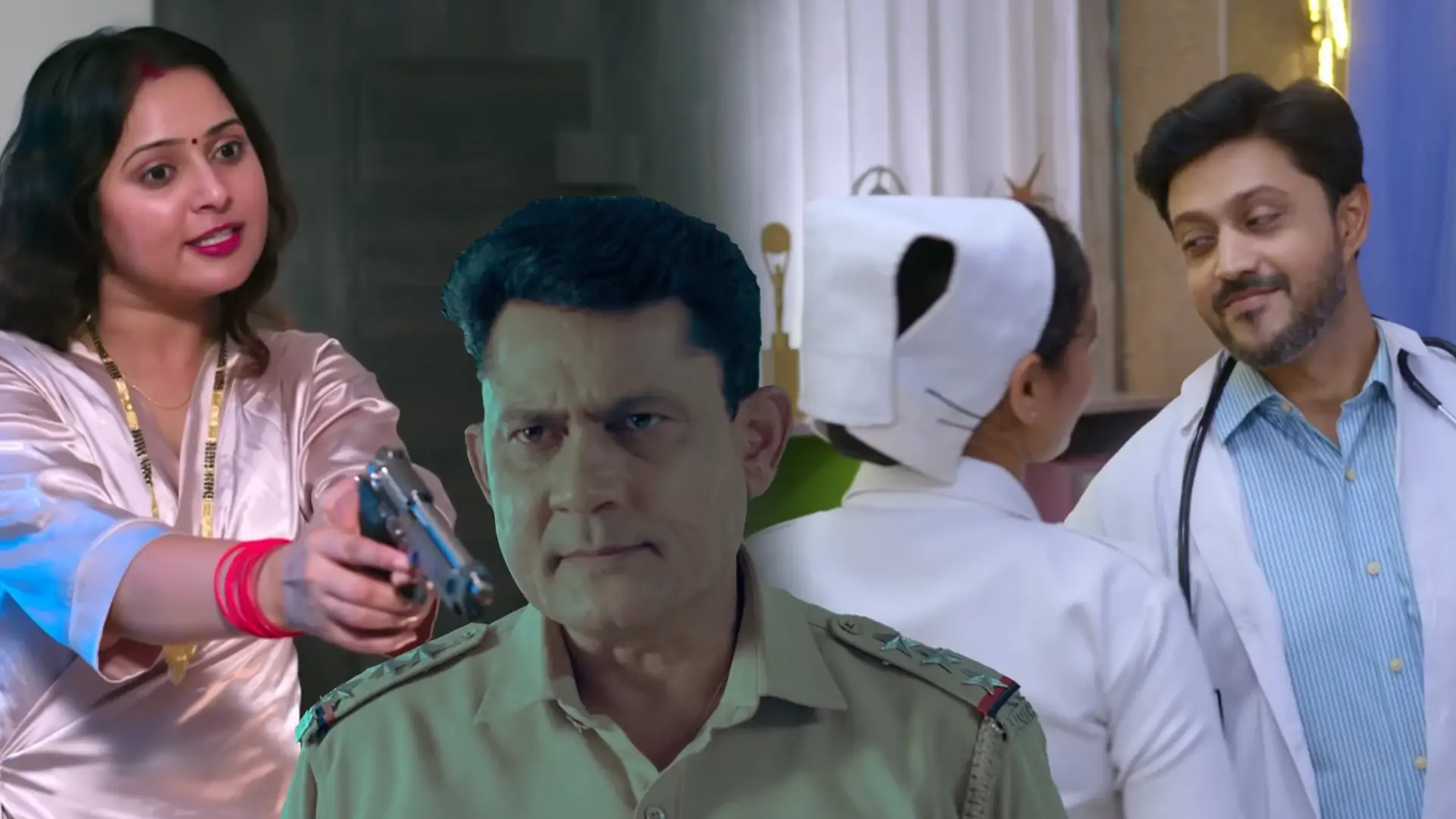
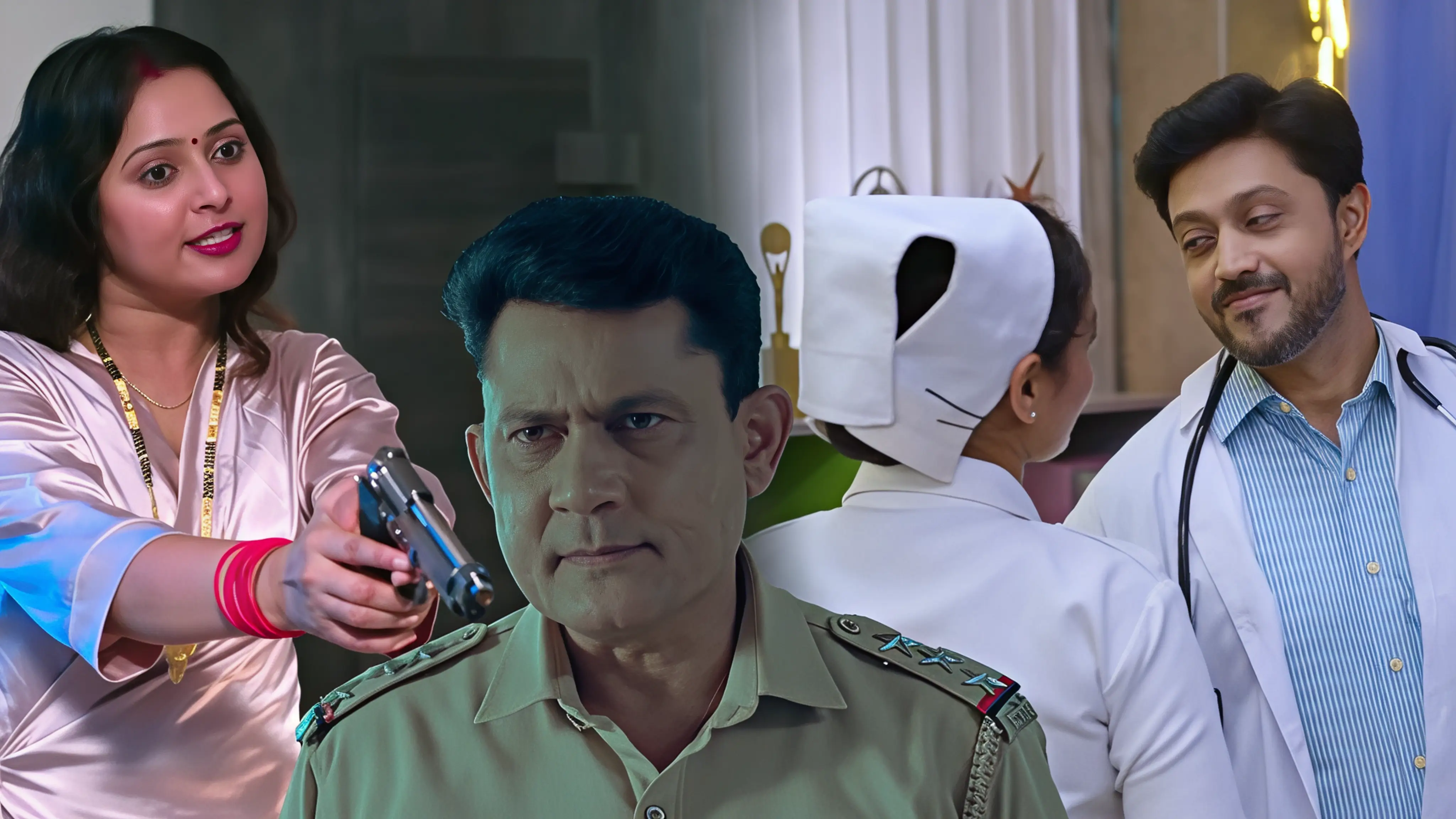
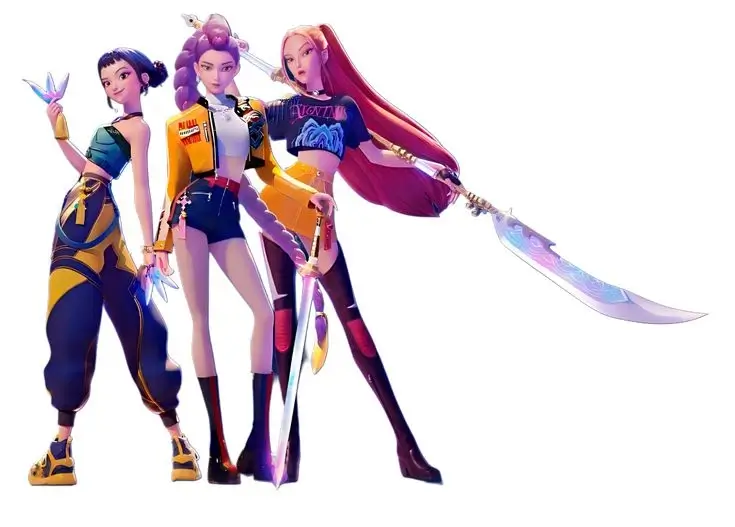
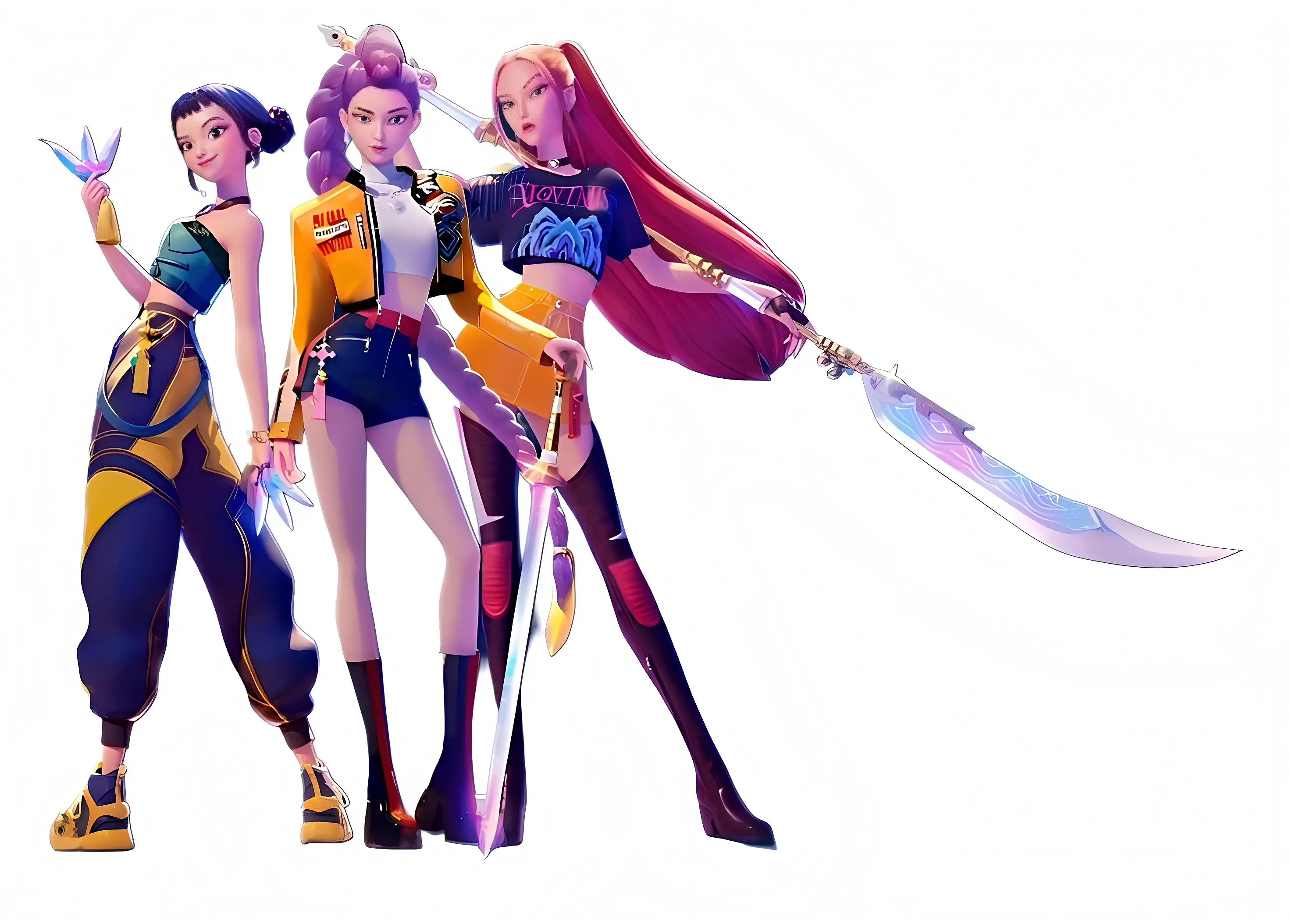
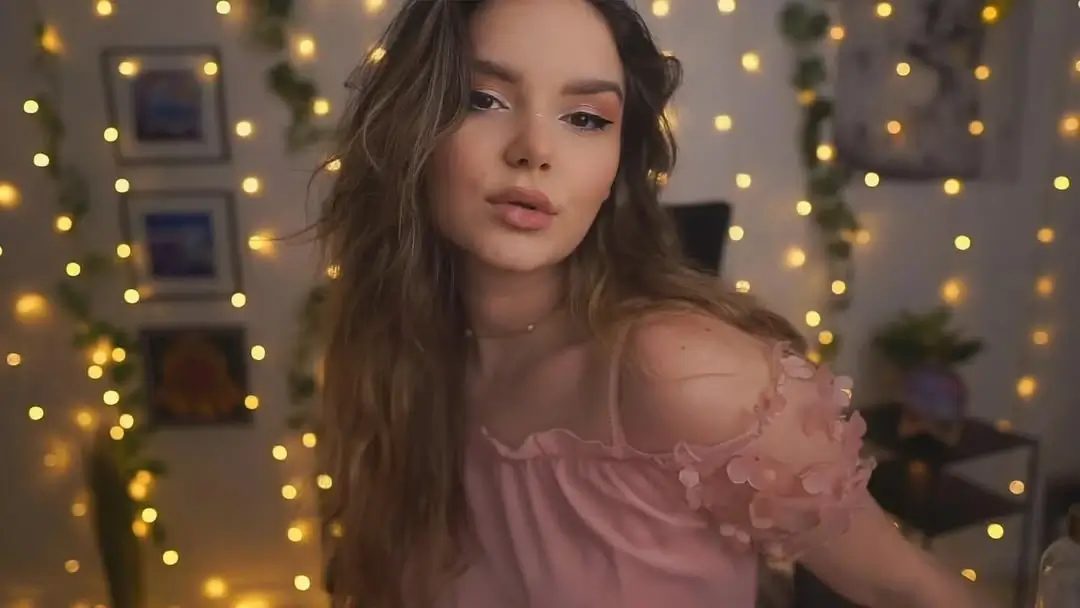
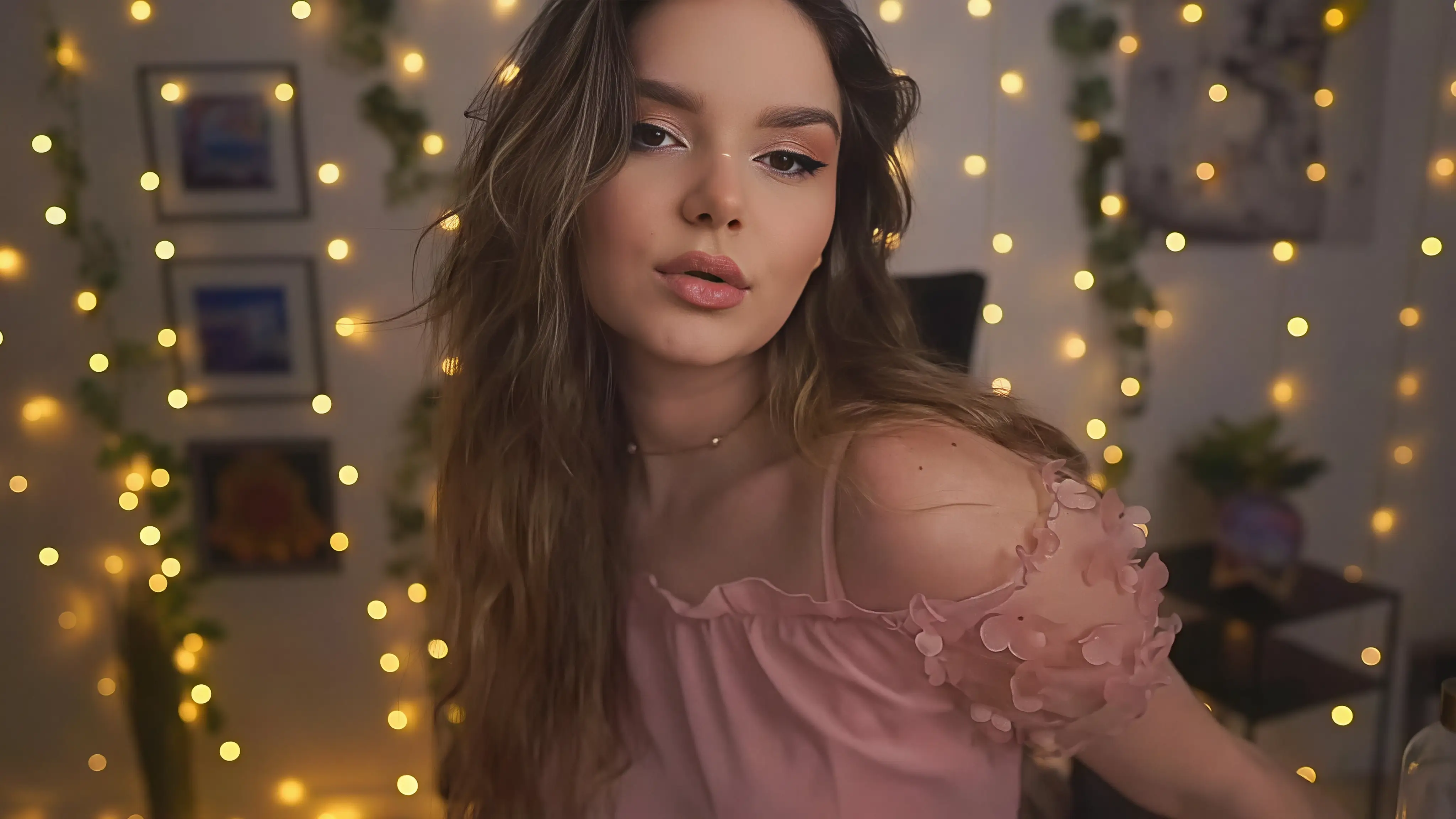
The Best Way to Increase Image Resolution
From digital art to professional projects, Artedge increases image resolution for any creative purpose
Wallpaper Creation
Increase resolution of small screenshots into stunning 4K wallpapers for your desktop or mobile devices
Digital Archive Booster
Increase resolution of scanned pages and archive photos to create high-quality digital libraries with clarity
Art Portfolio Enhancement
Increase resolution of your digital art or favorite illustrations to showcase every detail and brushstroke
Social Media Posts
Increase image resolution for eye-catching posts that look professional on any high-resolution screen
Game Asset Upscaling
Increase resolution of 2D game assets and sprites without losing the original style or quality
Creative Marketing
Increase resolution of visuals for marketing, presentations, and creative advertisements
Photos Processed
Happy Users
Average Rating
Average Processing Time
How to Increase Image Resolution with Artedge
Upload Your Image
Select the PNG image you want to upscale. Supports JPG, PNG, and WebP formats up to 50MB
Automatic Enhancement
Our system automatically increases the resolution and sharpens photo lines in seconds
Download 4K Result
Save your high-resolution image, ready for professional wallpapers or high-quality prints
Frequently Asked Questions About Increasing Image Resolution
▼ 1. How do I increase image resolution without losing quality?
You can increase image resolution using specialized AI tools like Artedge. Unlike traditional resizing, our AI models predict missing pixels and sharpen details, allowing you to boost photo quality while maintaining a natural and professional look.
▼ 2. How many times can I increase my photo resolution?
With Artedge, you can increase your image resolution up to 4x its original size. This means you can transform a small digital image into a large, 4K masterpiece suitable for high-resolution displays and quality printing.
▼ 3. Is there a limit to the file size I can upload?
Yes, you can upload images to increase resolution if they are in JPG, PNG, or WebP format and under 50MB. Our system is optimized for fast processing even with large, high-quality original files.
▼ 4. Will increasing resolution affect the original artistic style?
Our technology is designed to preserve the original artistic style while improving clarity. It reduces noise, fixes artifacts, and sharpens details without making the image look unnatural or losing its intended aesthetic.
▼ 5. What are the best uses for increasing image resolution?
It is perfect for creating high-quality wallpapers, restoring low-res family photos, preparing graphics for professional presentation, and making any visual content suitable for high-definition screens.
The Science Behind Increasing Image Resolution
Specialized Super-Resolution Models
Artedge uses specialized AI models specifically designed for image super-resolution. Our tool understands textures, edges, and fine details, allowing it to reconstruct missing information and create truly high-resolution results from low-quality inputs.
Advanced Neural Network Architecture
Our system leverages generative networks that excel at photo reconstruction. These systems have been trained on millions of high-resolution image pairs to learn how to increase resolution professionally every time.
Resolution Enhancement Technologies We Employ
- ✓ Image Super-Resolution: Drastically increases resolution while sharpening details
- ✓ Detail Reconstruction: Creates sharp edges and clean outlines during processing
- ✓ Artifact Removal: Cleans up JPEG compression artifacts from your images
- ✓ Focus Enhancement: Specialized processing for faces and character designs
- ✓ Detail Synthesis: Intelligently adds fine textures for 4K output
- ✓ Color Accuracy: Maintains perfect artistic color while increasing resolution
Why Artedge is the Best Way to Increase Image Resolution
| Feature | Artedge Resolution Booster | Traditional Methods |
|---|---|---|
| Image Detail Quality | ✅ Sharp & Clean | ❌ Blurry & Jagged |
| Aesthetic Preservation | ✅ Perfect Style Match | ❌ Loss of Artistic Detail |
| Max Increase Factor | ✅ Up to 400% (4x) | ⚠️ Limited to 200% |
Start Increasing Your Image Resolution to 4K Today
Join millions of users using Artedge for professional, online resolution enhancement
No credit card required • Instant results • Cancel anytime
The Complete Guide to Increasing Image Resolution
What Does it Mean to Increase Image Resolution?
To increase image resolution means to add more pixels to an image to improve its clarity and detail. While traditional methods just stretch the image, Artedge uses deep learning to predict and generate missing pixels, resulting in a higher resolution image that looks like it was originally captured in 4K.
Common Resolution Challenges We Solve
- Image Blur: Sharpening soft or blurry photos for a crisp professional look
- Compression Noise: Eliminating unwanted artifacts often found in web images
- JPEG Artifacts: Removing distortion around subject edges during the boost
- Detail Fading: Fixing clarity issues and ensuring vibrant photo palettes
- Detail Loss: Preserving the intricate details of costumes and backgrounds
- Low-Res Snapshots: Turning small digital frames into 4K masterpieces
Increasing Resolution for Creators
Creators use resolution increasing to improve their workflow and deliver high-resolution work to their audience. Whether preparing illustrations for print, restoring older digital assets, or optimizing content for social media, Artedge provides the specialized tools needed for professional-grade enhancement.
Digital Asset Upscaling
For businesses and publishers alike, high-quality images are essential for a great user experience. Artedge helps transform low-res files into stunning, high-definition assets that showcase the original work in the best possible quality. Our technology ensures clean text and sharp details across all platforms.
Optimizing for 4K High-Res Displays
With high-resolution displays becoming the standard, low-res images can look poor on large screens. By using Artedge to increase resolution before sharing or setting as a wallpaper, you ensure it looks sharp and professional. Our system optimizes images for various screen sizes while preserving integrity.
Restoring Cherished Visuals
Older digital images often exist only in low-resolution formats. Artedge helps users restore these cherished visuals, increasing clarity and resolution so they can be enjoyed on modern devices with incredible detail. Our AI models are specifically tuned to respect traditional styles.
Technical Specifications for Increasing Resolution
Input Formats
- ✓ JPEG/JPG (up to 50MB)
- ✓ PNG (up to 50MB)
- ✓ WebP (up to 50MB)
- ✓ BMP (up to 30MB)
- ✓ TIFF (coming soon)
Output Options
- ✓ Original style preservation
- ✓ High-quality sharpness settings
- ✓ Resolution up to 4K (3840×2160)
- ✓ Custom dimensions available
- ✓ Batch download as ZIP
Processing Capabilities
- ✓ 2x, 3x, 4x upscale options
- ✓ Intelligent line sharpening
- ✓ Artifact reduction levels
- ✓ Color vibrancy boost
- ✓ Face detail enhancement
Trusted Worldwide for Professional Resolution Boosting
Artedge's tool has revolutionized my workflow. I can now increase resolution of my sketches into high-quality 4K masterpieces in seconds. The clarity it adds is truly phenomenal.
My wallpaper collection looks incredibly sharp after using this resolution booster. I can now have ultra-HD backgrounds of my favorite photos on my 4K monitor.
I love how easy it is to increase image resolution before posting. It makes my content look like it was taken directly from a high-budget 4K camera!
Artedge is a game-changer for my creative projects. The ability to increase resolution of low-res assets into crisp, usable 4K graphics is life-saving.
Increasing resolution of my digital assets has been a revelation. Every image looks brighter and more detailed, making the viewing experience so much better.
I used Artedge to increase resolution of a collection of old photos. The results were incredible; it revealed details and textures I never thought were there.