AI Text Deblurring - Make Blurry Text Clear in Seconds
Restore the legibility of your documents and images with professional AI deblurring. Sharpen text and remove motion blur instantly
Drop Your Document Here
or click to browse image
Supports JPG, PNG, WebP up to 50MB
Professional Text Enhancement Made Simple
Our advanced AI algorithms analyze and sharpen every character of your image, delivering readable results in seconds
Text Sharpening
Increase text resolution and edge clarity for better readability. Perfect for small fonts and blurry documents
Motion Deblur
Fix blurry text caused by camera shake or moving objects with intelligent deconvolution algorithms
Contrast Optimization
Automatically adjust brightness and contrast to make text stand out from complex backgrounds
Document Restoration
Special AI models for scanning and restoring old, faded, or low-quality paper documents
Edge Definition
Reconstruct sharp character edges without creating halos or distortion for professional clarity

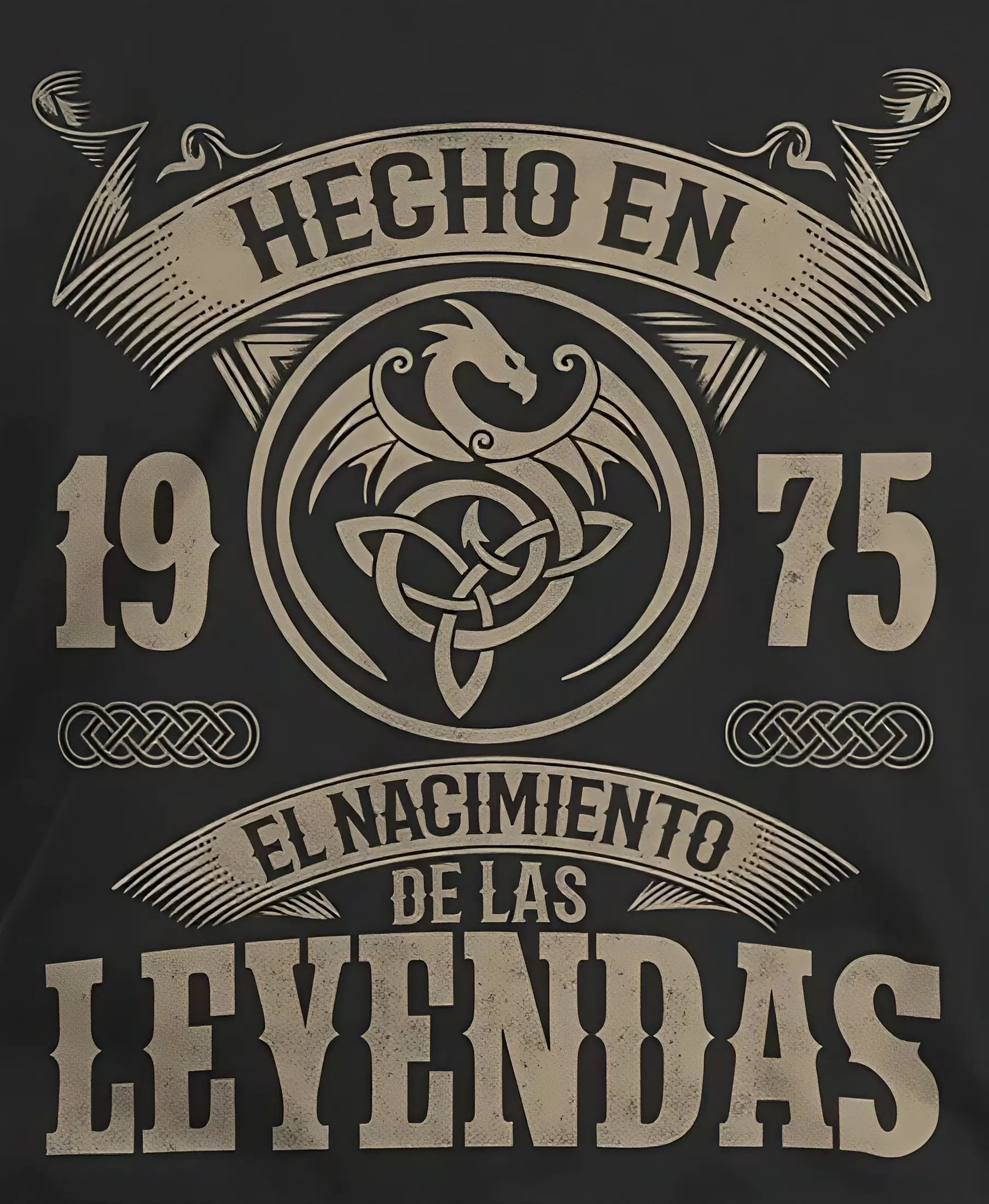




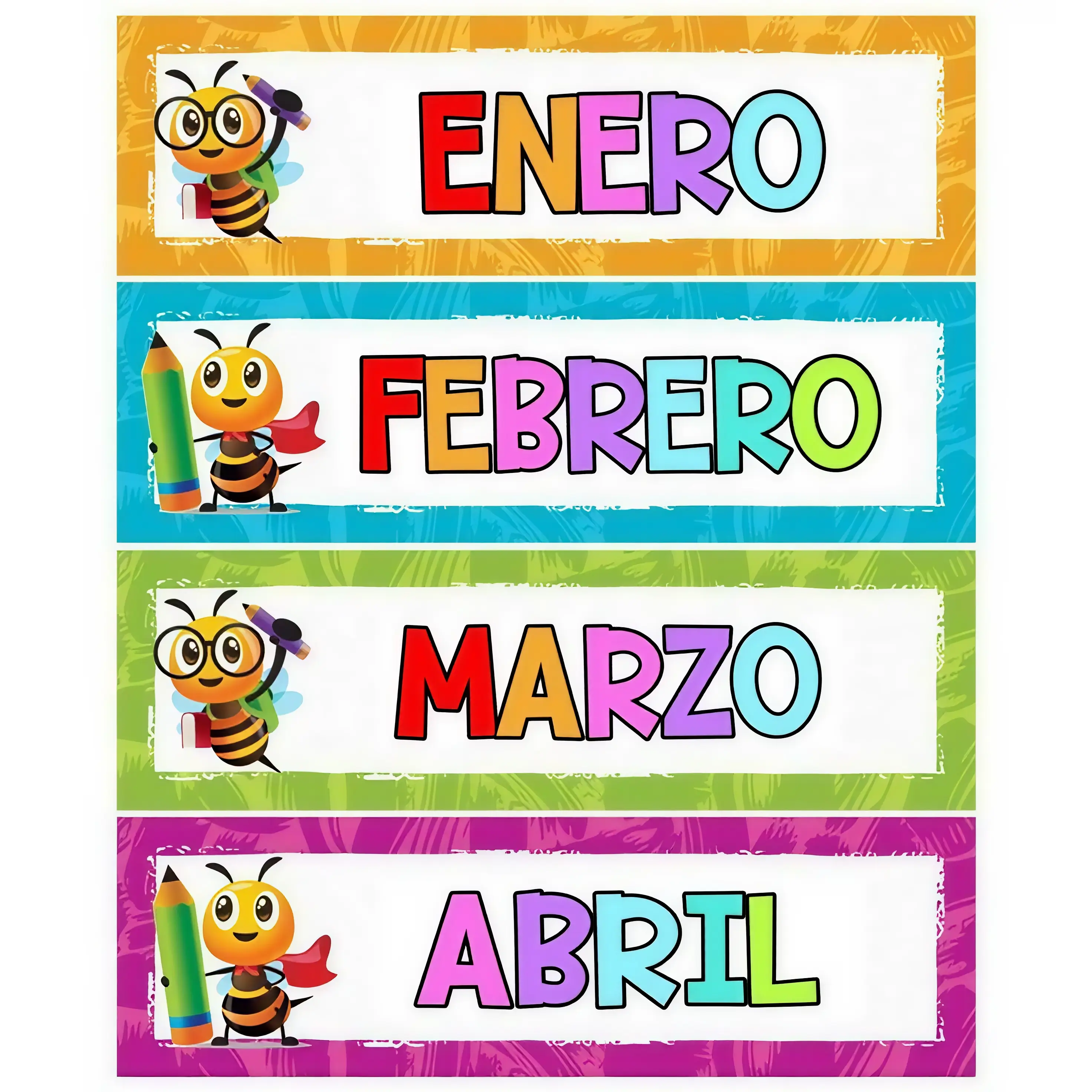
Perfect for Every Document Need
From old records to modern captures, Artedge deblurs text for any purpose
Archival Records
Restore historical documents, enhance faded ink, and make old scripts readable
Business Receipts
Clarify blurry receipts and invoices for better record keeping and expense tracking
Education
Sharpen blurry lecture notes and book captures for easier studying
Legal Documents
Enhance the clarity of scanned contracts and legal papers for professional use
Product Labels
Read small or blurry text on product packaging and identification tags
Marketing Materials
Sharpen text in advertisements and brochures for professional presentation
Pages Deblurred
Users Served
Satisfaction Rating
Average Processing Speed
How to Deblur Text with Artedge
Upload Your Blurry Text
Drag and drop or click to select blurry document images. Supports JPG, PNG, WebP
AI Text Reconstruction
Our AI analyzes character patterns and reconstructs sharp text automatically
Download Clear Result
Get your sharpened document in high resolution, ready for reading or printing
Frequently Asked Questions
▼ 1. Understanding AI Text Deblurring Technology
AI Text Deblurring uses advanced machine learning models trained specifically on character recognition and document reconstruction. It analyzes the blurry pixels around letters, identifies the intended shapes, and reconstructs them with sharp edges, significantly improving the readability of the text.
▼ 2. 2. What document formats are supported?
We support image-based document formats including JPG/JPEG, PNG, WebP, and BMP. You can upload scans or photographs of documents up to 50MB per file.
▼ 3. 3. How long does it take to sharpen blurry text?
Most text images are processed within 3-5 seconds. Our servers are optimized to handle complex character reconstructions quickly while ensuring professional quality results.
▼ 4. 4. Will deblurring change the meaning of the text?
No, our AI is designed to preserve the original structure and content of the text. It enhances the visual clarity of existing characters rather than guessing new content, ensuring the document remains accurate to the original.
Understanding AI Text Deblurring Technology
State-of-the-Art Character Recovery
Artedge uses specialized deep learning models that are far superior to generic sharpening filters. Our AI understands the anatomy of letters and numbers, allowing it to intelligently fill in missing detail caused by camera shake or low resolution while avoiding common artifacts like grain or halos.
Advanced OCR-Ready Enhancement
By deblurring text with our tool, you significantly improve the success rate of Optical Character Recognition (OCR) software. Our enhancement process creates the high-contrast, sharp-edged characters that digital scanning tools need to accurately extract text from images.
Key Technologies for Text Clarity
- ✓ Blind Deconvolution AI: Corrects complex motion blur without knowing camera parameters
- ✓ Super-Resolution Networks: Reconstructs high-frequency details in small fonts
- ✓ Adaptive Thresholding: Optimizes text contrast against noisy backgrounds
- ✓ Character Geometry Preservation: Maintains the exact shape of font families
- ✓ Artifact Suppression: Cleans up JPG compression around letters
- ✓ Smart Denoiser: Removes scanner noise while keeping ink details sharp
Why Choose Artedge Text Deblurrer
| Feature | Artedge AI | Basic Editors |
|---|---|---|
| AI Character Recovery | ✅ Advanced | ❌ Generic Blur |
| Professional Output | ✅ Yes | ⚠️ Variable |
| Fine Print Support | ✅ Excellent | ❌ Poor |
| Processing Speed | ✅ 3-5 seconds | ⚠️ 10+ seconds |
Ready to Make Your Text Readable?
Join thousands of professionals who trust Artedge for document and text enhancement
Professional results • Instant processing • Easy to use
Complete Guide to Text Deblurring
What is Text Deblurring?
Text deblurring is a specialized form of image restoration focused on improving the legibility of characters. Unlike general photo enhancement, text deblurring requires the AI to maintain strict geometric consistency of letters and numbers. Modern AI deblurrers like Artedge use neural networks to reverse the effects of motion blur and focus issues, bringing clarity back to unreadable documents.
Common Text Clarity Problems We Solve
- Camera Shake: Blurry text caused by handheld photography of documents
- Low Resolution Scans: Pixelated text that is difficult to read when zoomed in
- Motion Blur: Text captured from moving vehicles or moving objects
- Out-of-Focus: Documents captured without proper lens focus
- Lighting Issues: Faded text due to overexposure or shadows
- Compression Noise: Distorted characters caused by low-quality digital saving
Legal and Professional Applications
Legal professionals use AI text deblurring to clarify scanned evidence, contracts, and historical records. Providing readable documents is crucial in legal proceedings, and Artedge provides the precision needed to restore character clarity without altering the original document's integrity.
Enhancing Business Operations
Businesses often deal with low-quality receipts, faded invoices, and blurry screenshots. Artedge's AI text sharpener helps companies digitize their records more effectively by ensuring that every document is legible before it enters the accounting or filing system, reducing manual entry errors.
Academic Research and Archives
Researchers and historians frequently work with old, faded, or blurry manuscript photographs. Our tool enables the restoration of these valuable documents, making it possible to read text that was previously considered lost to time or poor capture quality.
Optimizing Mobile Document Captures
Capturing documents with a smartphone often leads to blurry results due to movement or low light. Artedge helps users transform these quick mobile snaps into professional-looking document scans by sharpening text and removing blur, perfect for sharing or official submissions.
Technical Specifications
Input Formats
- ✓ JPEG/JPG (up to 50MB)
- ✓ PNG (up to 50MB)
- ✓ WebP (up to 50MB)
- ✓ BMP (up to 30MB)
- ✓ OCR-ready images
Output Options
- ✓ Character edge preservation
- ✓ High contrast settings
- ✓ Resolution up to 4K
- ✓ Lossless output available
- ✓ Batch processing support
Processing Capabilities
- ✓ Motion deblurring AI
- ✓ Resolution upscaling (2x-4x)
- ✓ Background noise removal
- Contrast Enhancement
- ✓ Handwriting restoration
Trusted by Professionals Worldwide

Sarah Chen
Digital Archivist
Artedge has been a lifesaver for our historical projects. We can now read blurry documents from the 50s that were previously indecipherable. The text sharpening is truly impressive.
Michael Torres
Senior Accountant
I used to struggle with blurry client receipts every tax season. Artedge's deblur tool makes them perfectly clear, saving me hours of back-and-forth communication.

Emily Watson
PhD Researcher
Enhancing blurry lecture slides and book captures has never been easier. My engagement with source materials has definitely improved thanks to this AI!

David Foster
Paralegal
Artedge is a game-changer for our law firm. The AI's ability to upscale low-res scans into crisp, usable evidence is phenomenal. It integrates seamlessly with our workflow.

Jessica Miller
Real Estate Agent
Using Artedge to deblur text on property floor plans and contract images has been a revelation. Every detail is now legible for my clients. It's an indispensable tool.
Robert Peterson
Genealogist
I used Artedge to restore a collection of faded family letters from the 1900s. The AI not only fixed the blur but brought the history back to life. Truly amazing technology.