Denoise Image Instantly with AI Precision
Use advanced AI to remove grain, eliminate noise, and restore photo clarity—free, fast
Drop Your Grainy Photo Here
or click to upload
Supports JPG, PNG, WebP up to 50MB
Professional Image Denoising Made Easy
Our AI-driven model expertly removes grain, reduces noise, and smooths surfaces in seconds
High ISO Correction
Eliminate heavy grain caused by high sensitivity settings in low light.
Luminance Denoising
Smooth out grainy brightness variations for a cleaner look.
Color Noise Reduction
Remove distracting color specks and artifacts without desaturating the image.
Color Preservation
Maintain true-to-life colors while removing unwanted noise.
Skin Smoothing
Refine portraits by removing noise from skin tones while keeping texture.
Batch Denoising
Clean multiple grainy images simultaneously to speed up your workflow.
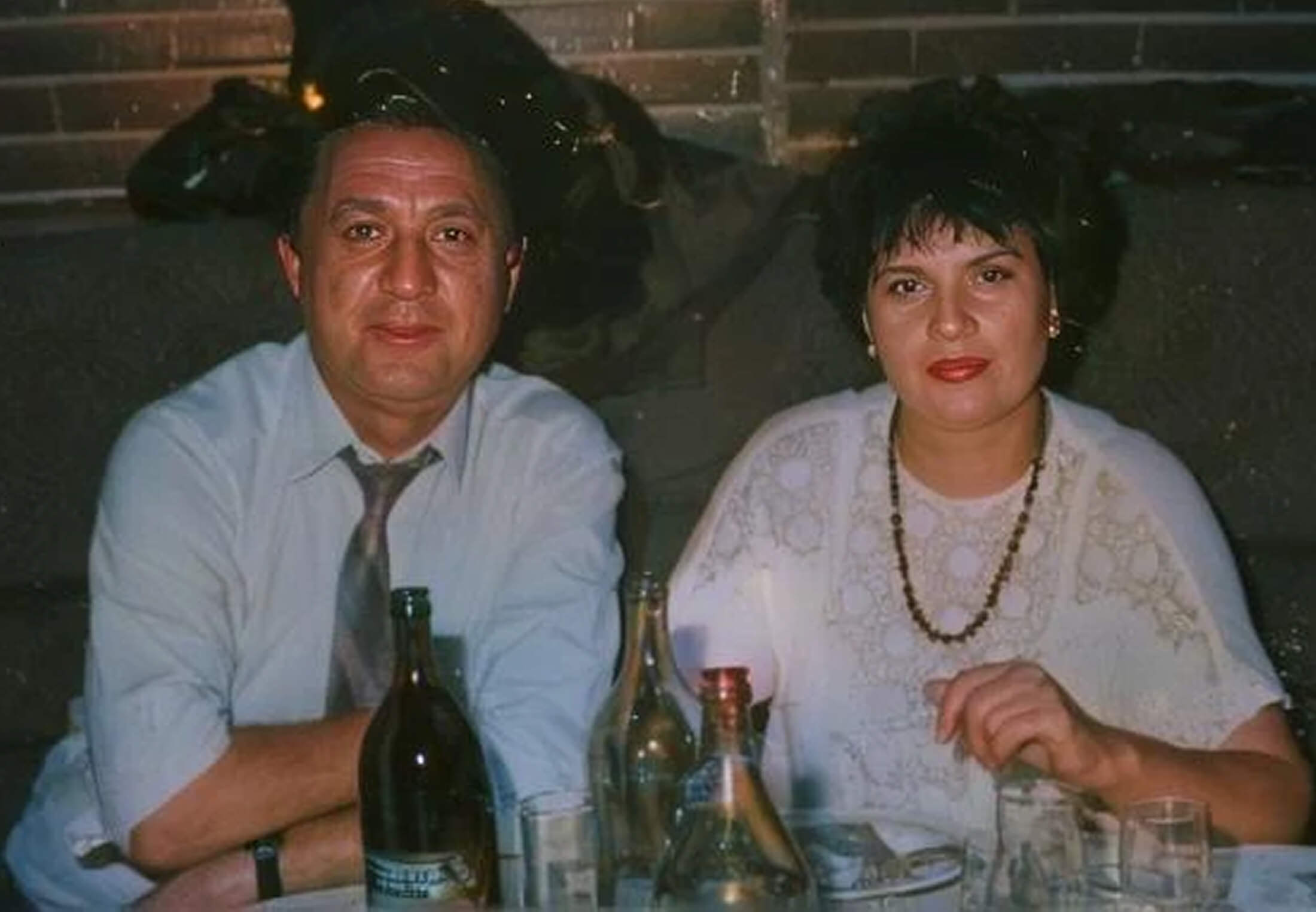
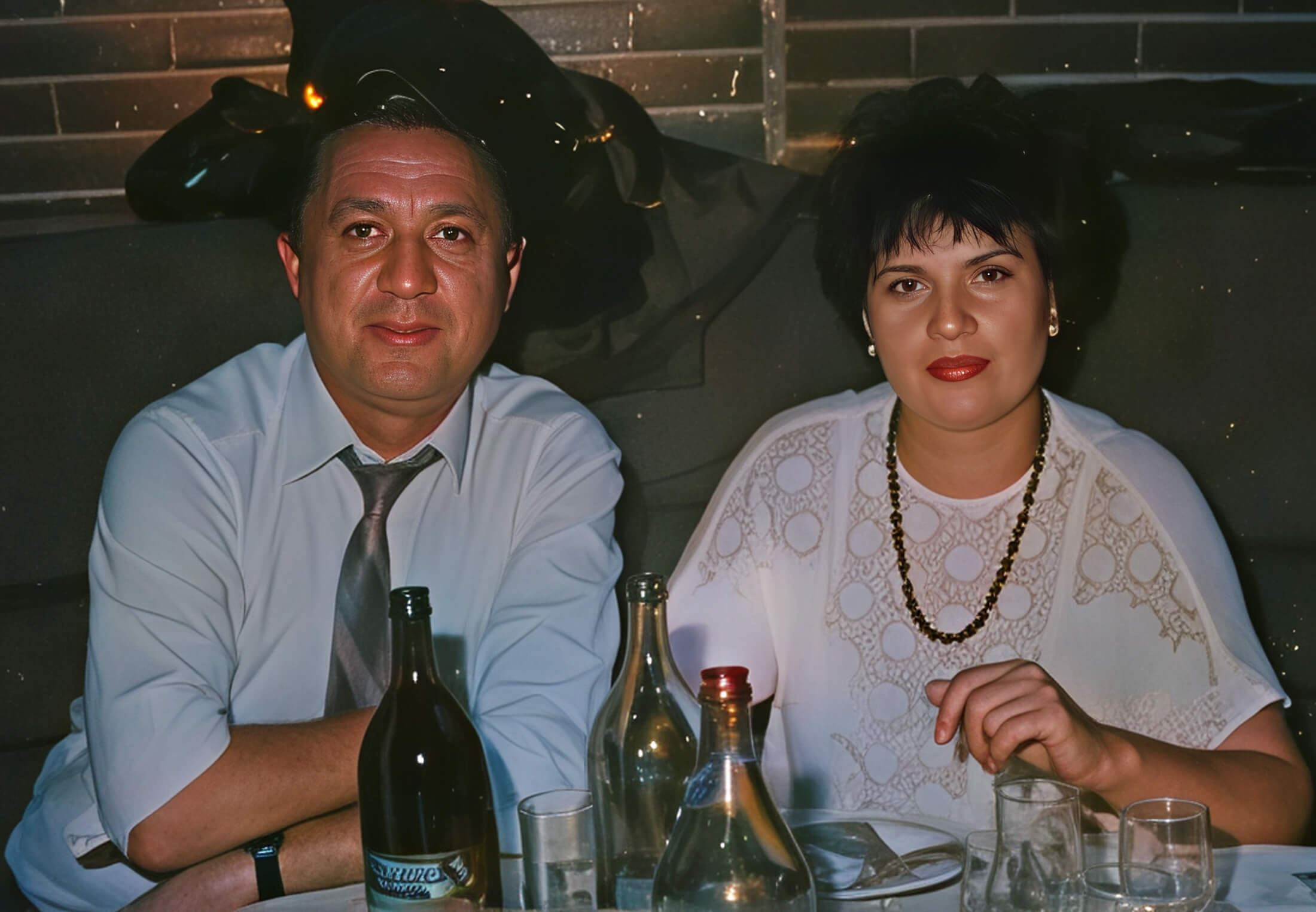
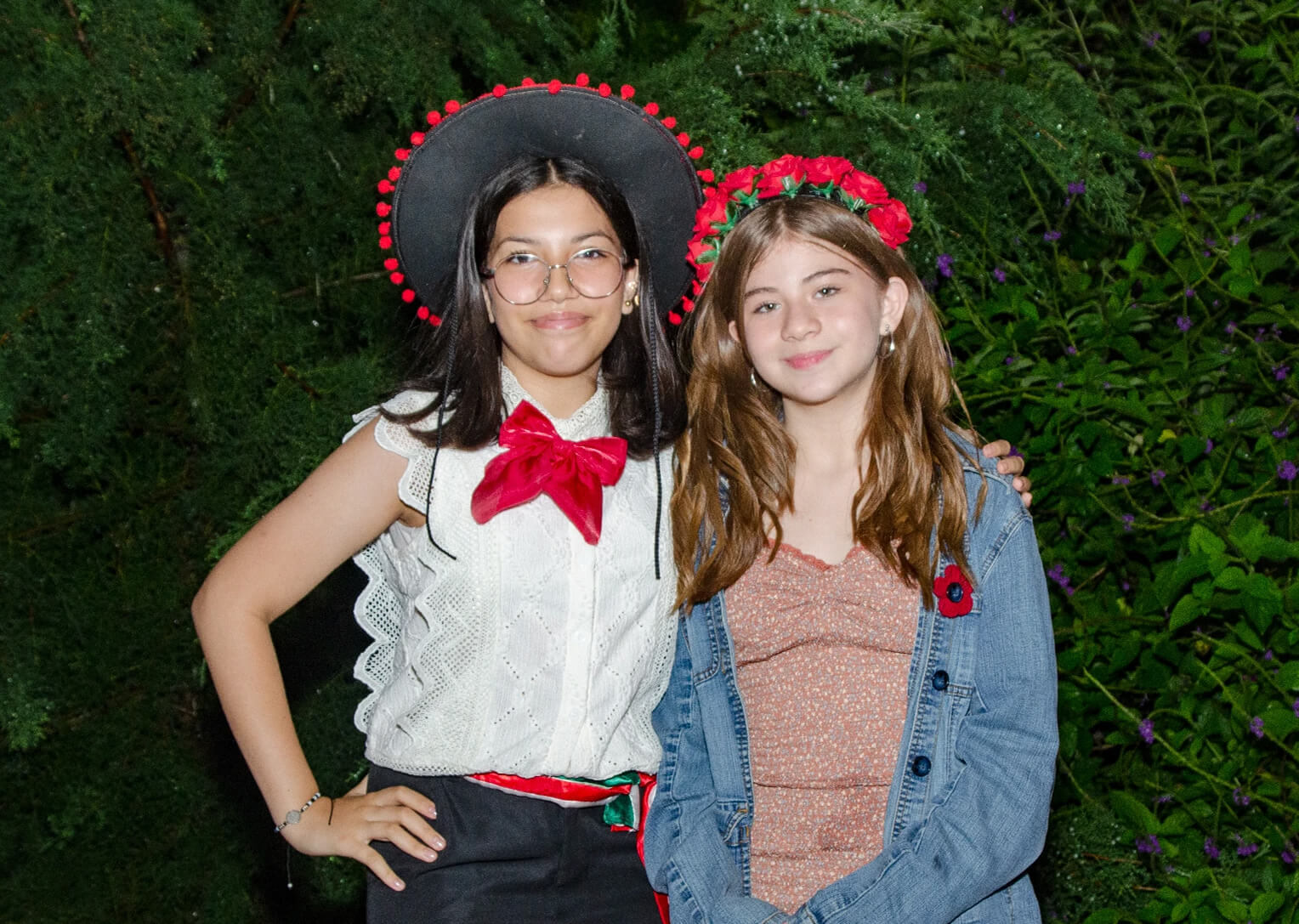

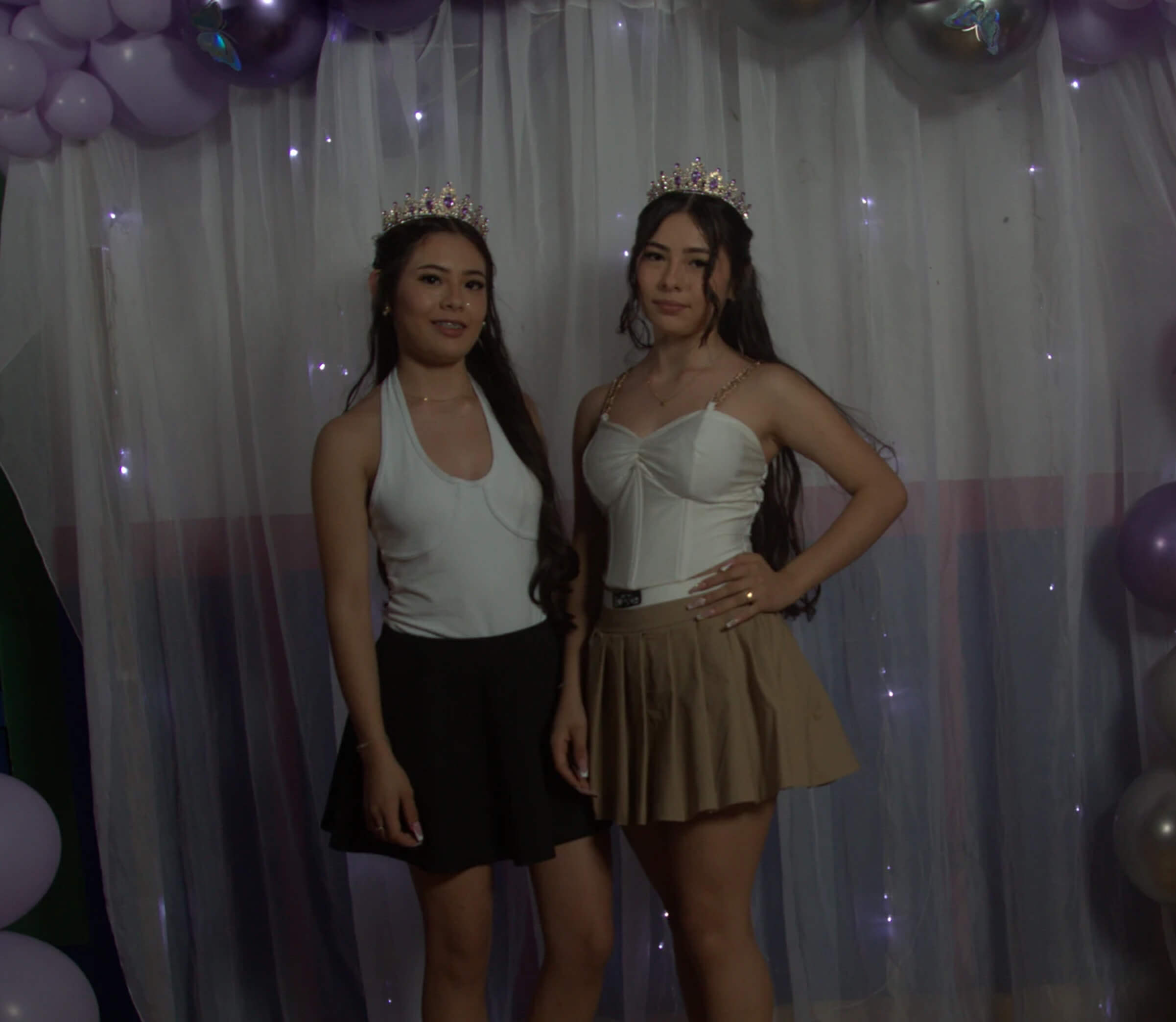
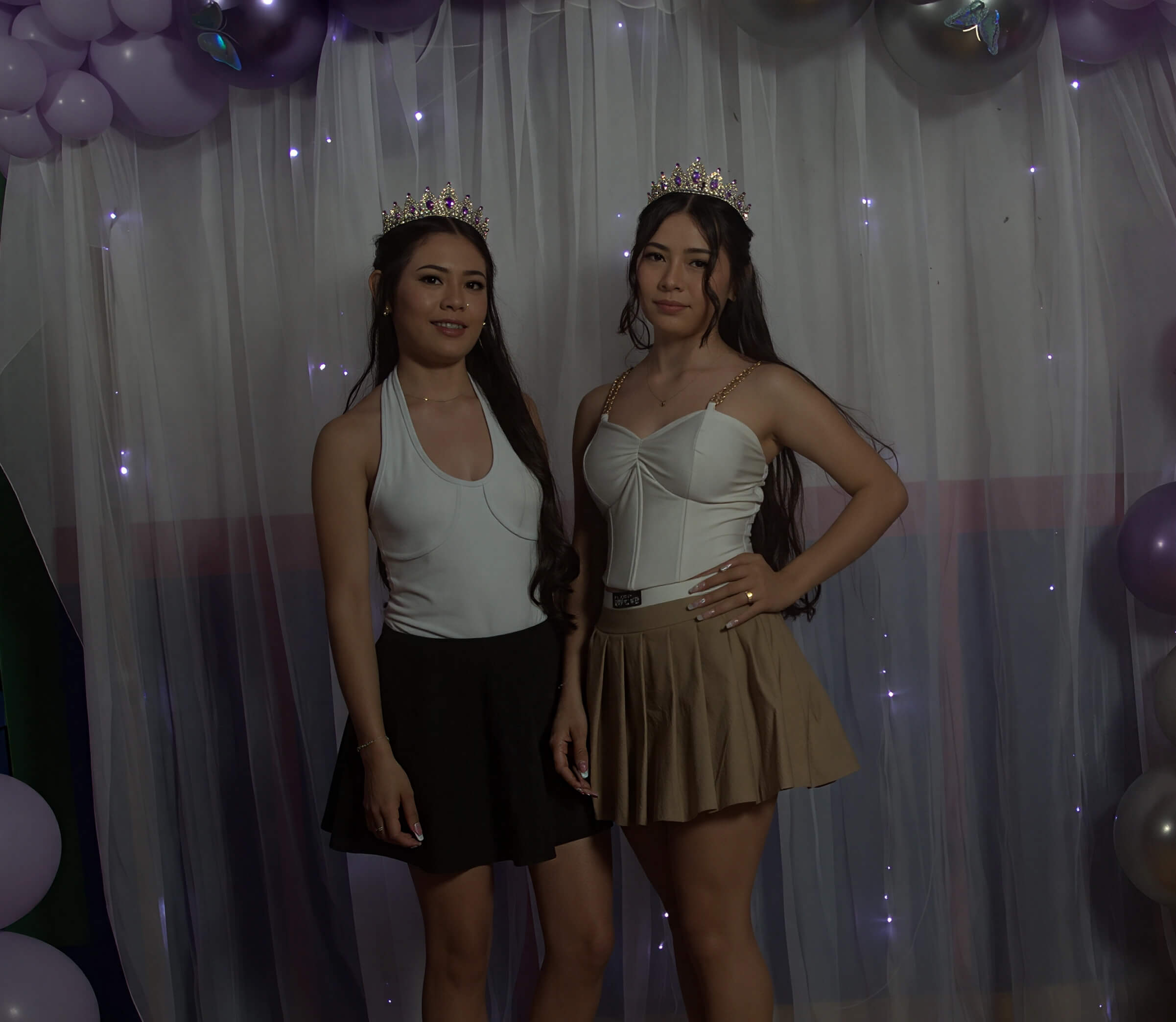
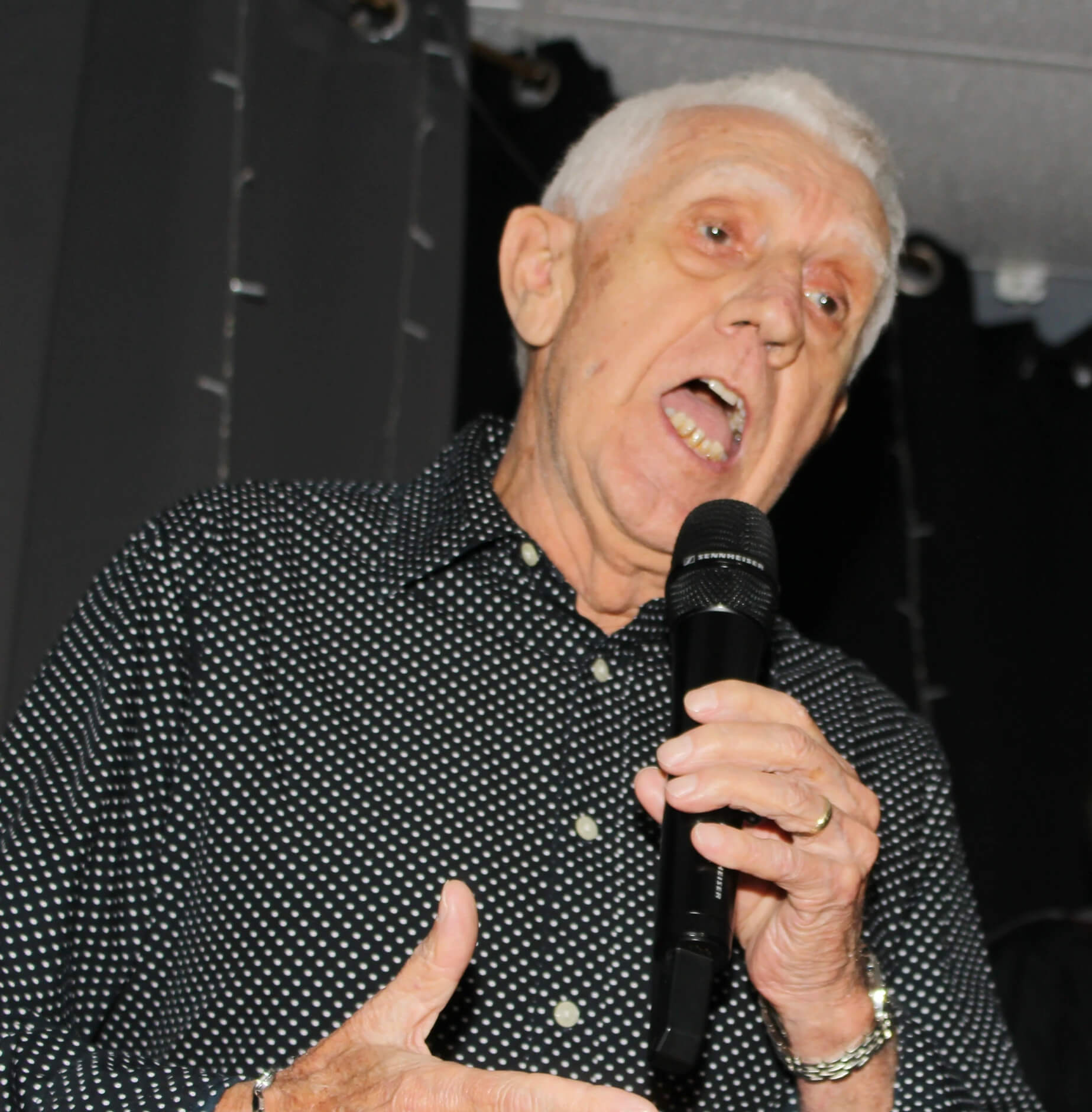
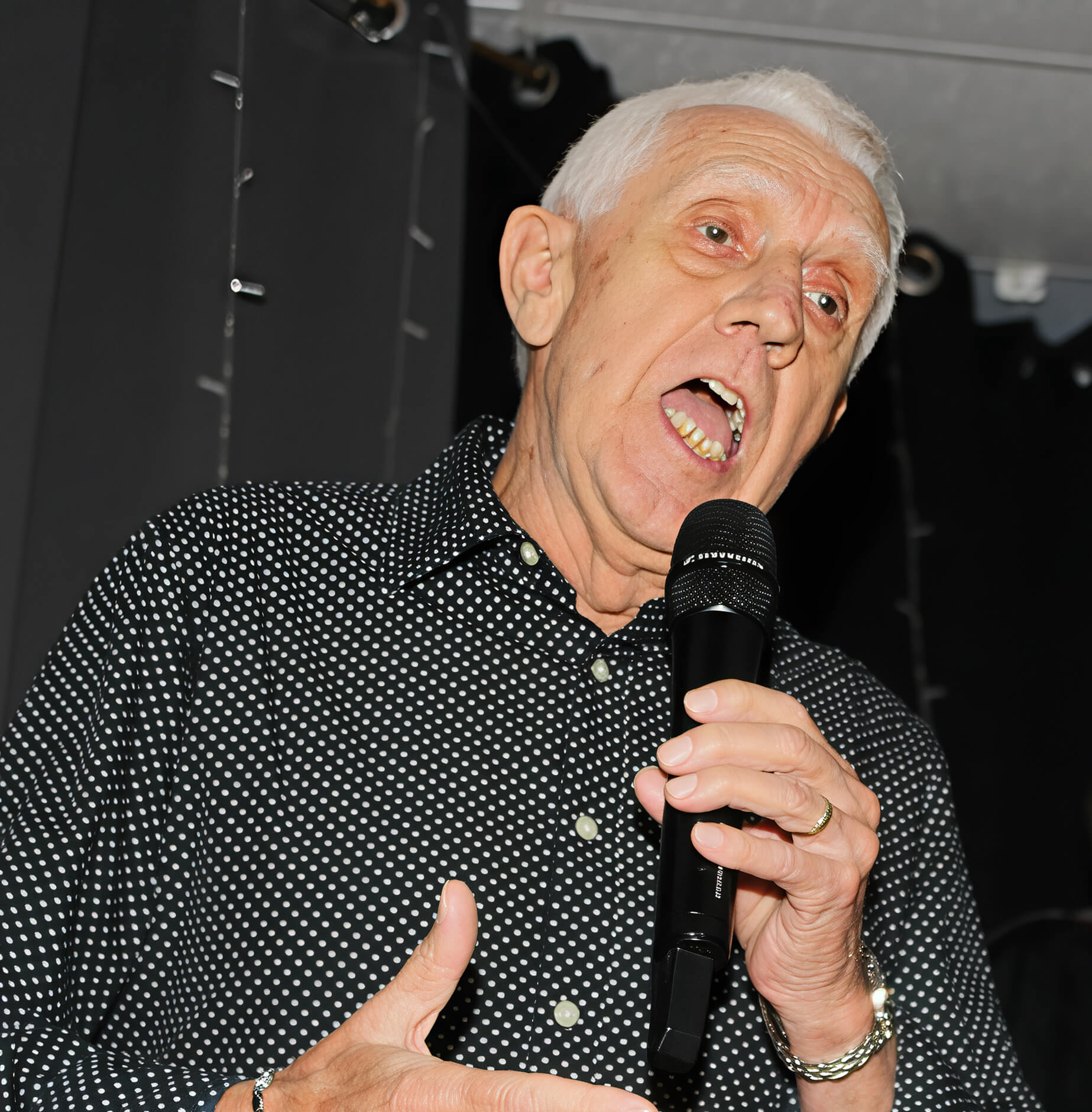
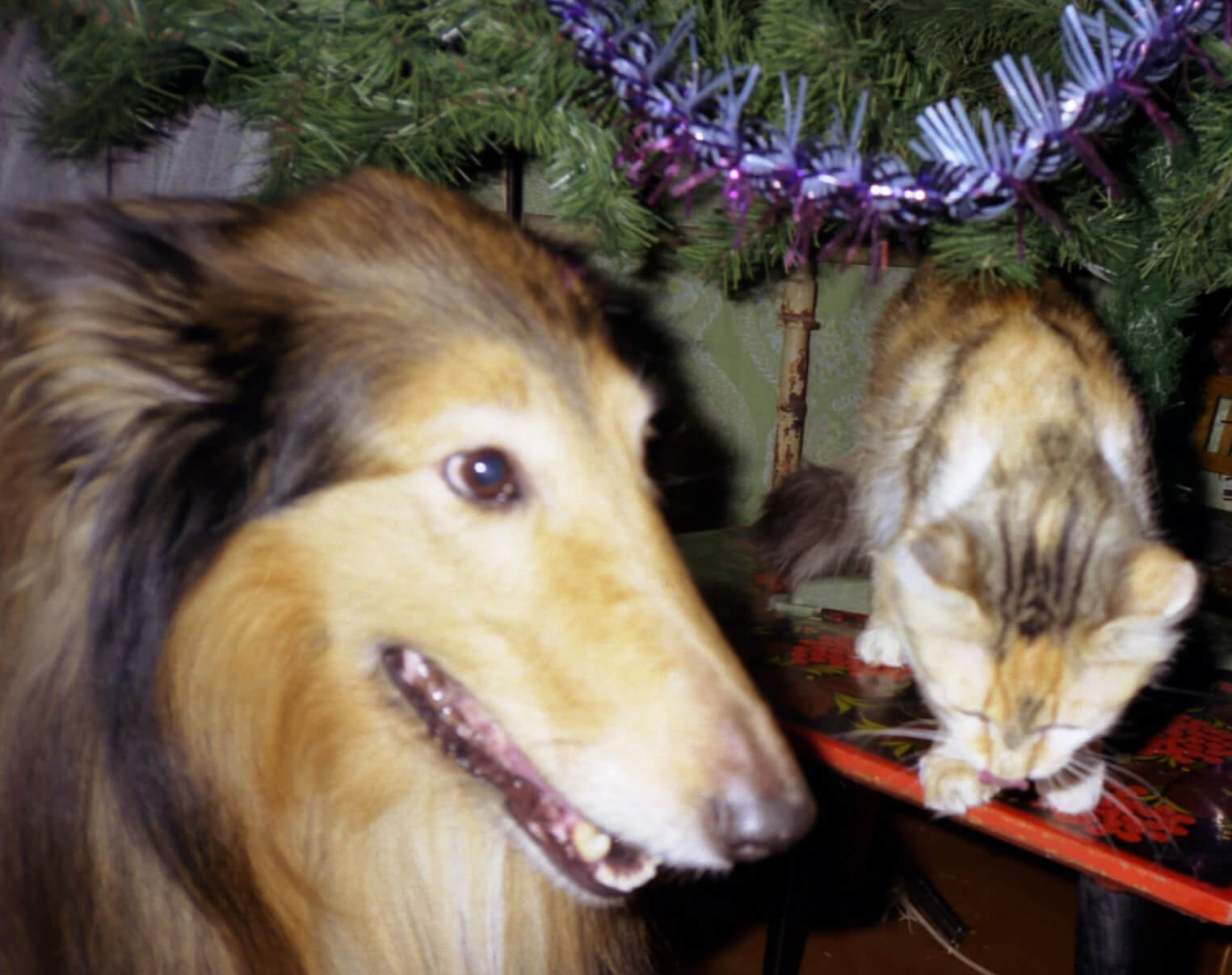
Ideal for Every Scenario
From low-light snapshots to ISO noise, Artedge denoises photos of all kinds
Night Photography
Restore dark, grainy shots to clear, smooth perfection.
E-commerce
Ensure product images are free of distracting noise to boost sales.
Real Estate
Clean up interior shots taken in poor lighting conditions.
Social Media
Post crisp, clean photos that look professional on any feed.
Digital Art
Remove compression artifacts and grain from digital illustrations.
Print Media
Prepare photos for large-scale printing by eliminating visible noise.
Images Denoised
Satisfied Users
Average Rating
Average Processing Time
How to Denoise Images with Artedge
Upload Your Noisy Image
Drag, drop, or click to select your grainy photos. Supports JPG, PNG, WebP
AI Denoising
Our AI analyzes noise patterns and reduces grain in seconds
Download Clean Result
Get your denoised image in high resolution, ready to use
Frequently Asked Questions
▼ 1. 1. What is image denoising and how does it work?
Image denoising removes visual "noise" or grain from digital photographs. Artedge uses deep learning to distinguish between image details and random noise pixels, smoothing the image while preserving edges and textures.
▼ 2. 2. Can I denoise multiple images at once?
Absolutely! Artedge allows batch denoising, processing up to 50 images simultaneously—perfect for photographers dealing with a full shoot of low-light photos.
▼ 3. Which image formats are supported?
We support JPG, PNG, WebP, and BMP formats with a maximum size of 50MB per image. You can upload noisy images from any camera source.
▼ 4. 4. Is Artedge denoise image really free?
Yes, basic denoising features are free. You can clean up your images at no cost. For advanced noise reduction levels and 4K output, check our premium plans.
▼ 5. 5. How long does denoising take?
Most images are denoised within 3–5 seconds. Our AI is optimized to quickly remove grain without keeping you waiting.
▼ 6. 6. Will denoising make my photo blurry?
No, our intelligent AI selectively smoothes noise while sharpening edges, ensuring your photo remains crisp and clear, not washed out or blurry.
Understanding AI Image Denoising Technology
What Sets Artedge Denoising Apart
Unlike traditional smoothing filters that blur the whole image, Artedge leverages deep convolutional networks trained on noisy-clean image pairs to intelligently subtract grain while keeping details intact.
Advanced Neural Architectures
Our denoising engine uses specialized CNNs designed to handle various noise types, including Gaussian noise, salt-and-pepper noise, and compression artifacts.
Core Technologies
- ✓ Noise Pattern Analysis: Identifies specific grain structures
- ✓ Edge-Preserving Smoothing: Cleans surfaces without softening edges
- ✓ Chroma Noise Reduction: Fixes color blotches
- ✓ Detail Retention: Keeps texture in hair and fabrics
- ✓ Low-Light Enhancement: Recovers details in dark areas
- ✓ Artifact Removal: Cleans up JPEG compression blocks
Why Choose Artedge Denoise Tool
| Feature | Artedge | Others |
|---|---|---|
| Batch Denoising | ✅ 50 images | ⚠️ 10 images |
| Processing Speed | ✅ ~3 seconds | ⚠️ 10+ seconds |
| Advanced Levels | ✅ ✅ Multi-level denoise | ❌ Basic only |
Ready to Clean Up Your Images?
Join millions using Artedge to restore photo smoothness
No credit card • Instant AI results • Cancel anytime
Complete Guide to Image Denoising
What is Image Noise?
Image noise appears as random speckles of color or brightness, often making photos look grainy or low-quality. It commonly occurs in low-light conditions or when using high ISO settings.
Common Noise Types We Fix
- Luminance Noise: Grainy variations in brightness, like black and white sand.
- Color (Chroma) Noise: Random colored specks, often red or blue.
- High ISO Noise: Grain resulting from increased camera sensitivity.
- Compression Artifacts: Blocky noise from JPEG compression.
- Long Exposure Noise: Hot pixels visible in long exposures.
- Shadow Noise: Grain hiding in the darker areas of an image.
Professional Photography Applications
Photographers use AI denoising to save low-light shots and high-speed action captures. It allows for cleaner prints and professional-grade digital displays.
E-commerce and Product Images
Clean, noise-free product photos look more professional and trustworthy. Artedge’s denoising ensures your catalog looks pristine, even if shot in less-than-ideal light.
Social Media Optimization
Grainy photos can look amateurish on social feeds. Denoise with Artedge to maintain a polished aesthetic and maximize engagement.
Real Estate Image Enhancement
Bright, clean property photos attract more buyers. Artedge removes noise from dark interior shots, making rooms feel more inviting and spacious.
Technical Specifications
Input Formats
- ✓ JPEG/JPG (up to 50MB)
- ✓ PNG (up to 50MB)
- ✓ WebP (up to 50MB)
- ✓ BMP (up to 30MB)
- ✓ TIFF (coming soon)
Output Options
- ✓ Preserve original format
- ✓ Quality settings 85–100%
- ✓ High-res outputs up to 4K
- ✓ Custom dimensions
- ✓ Batch ZIP download
Processing Capabilities
- ✓ Multi-level denoising
- ✓ Luminance & Color noise removal
- ✓ Edge enhancement
- ✓ Artifact reduction
- ✓ Skin tone protection
Praised by Experts Worldwide
Artedge’s denoise feature saved my Milky Way shots. It removed the high-ISO grain without eating up the stars. Incredible precision!
We often shoot in warehouse lighting, resulting in grainy product photos. Artedge makes them look studio-quality in seconds.
I love the aesthetic of film but hate the distraction of digital noise. Artedge gives me that clean, polished look for my blog photos.
Scanning old documents often introduces noise. Artedge cleans them up perfectly, making the text legible and the images clear again.
Dark rooms used to mean grainy photos. Now I just run them through Artedge and they look bright and clean. It's a game changer.
My phone photos aren't always great in low light. Artedge saves them so I can post high-quality content without needing a pro camera.